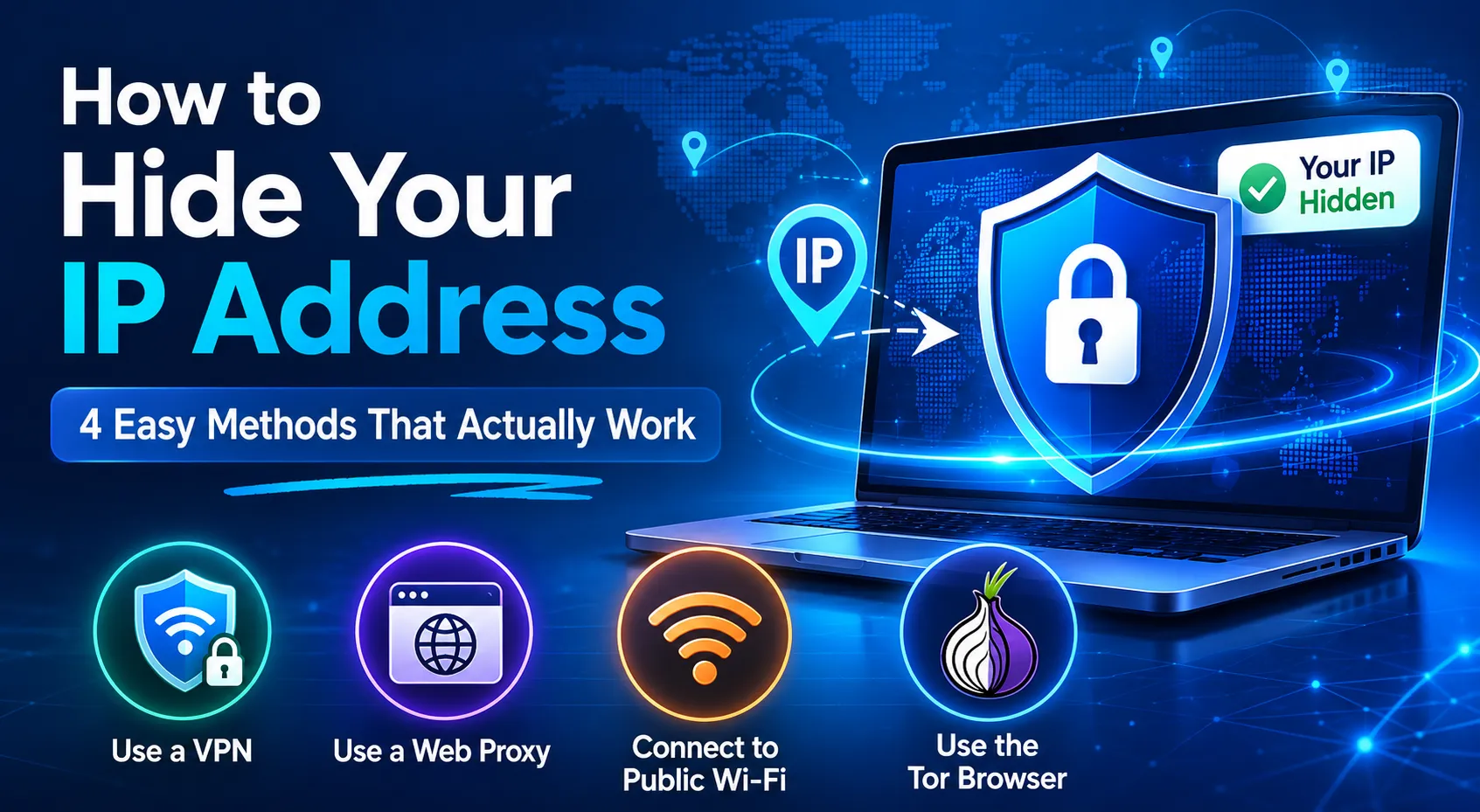
Your IP address reveals more about you than you might think — your approximate location, your internet provider, and a trail of every website you visit. As online surveillance grows more sophisticated, hiding your IP address has become one of the simplest things you can do to protect your privacy online.
In this guide, we'll walk through four proven methods to mask your IP address, the pros and cons of each, and which one is right for your situation.
What Does "Hiding Your IP Address" Actually Mean?
First, a quick clarification: you can't create a brand-new IP address from scratch. What you can do is mask your real IP address behind someone else's — a technique called IP masking or IP spoofing. From the outside, your internet traffic appears to come from a different location entirely.
Here are the four most effective ways to do it.
1. Use a VPN (Best All-Round Method)
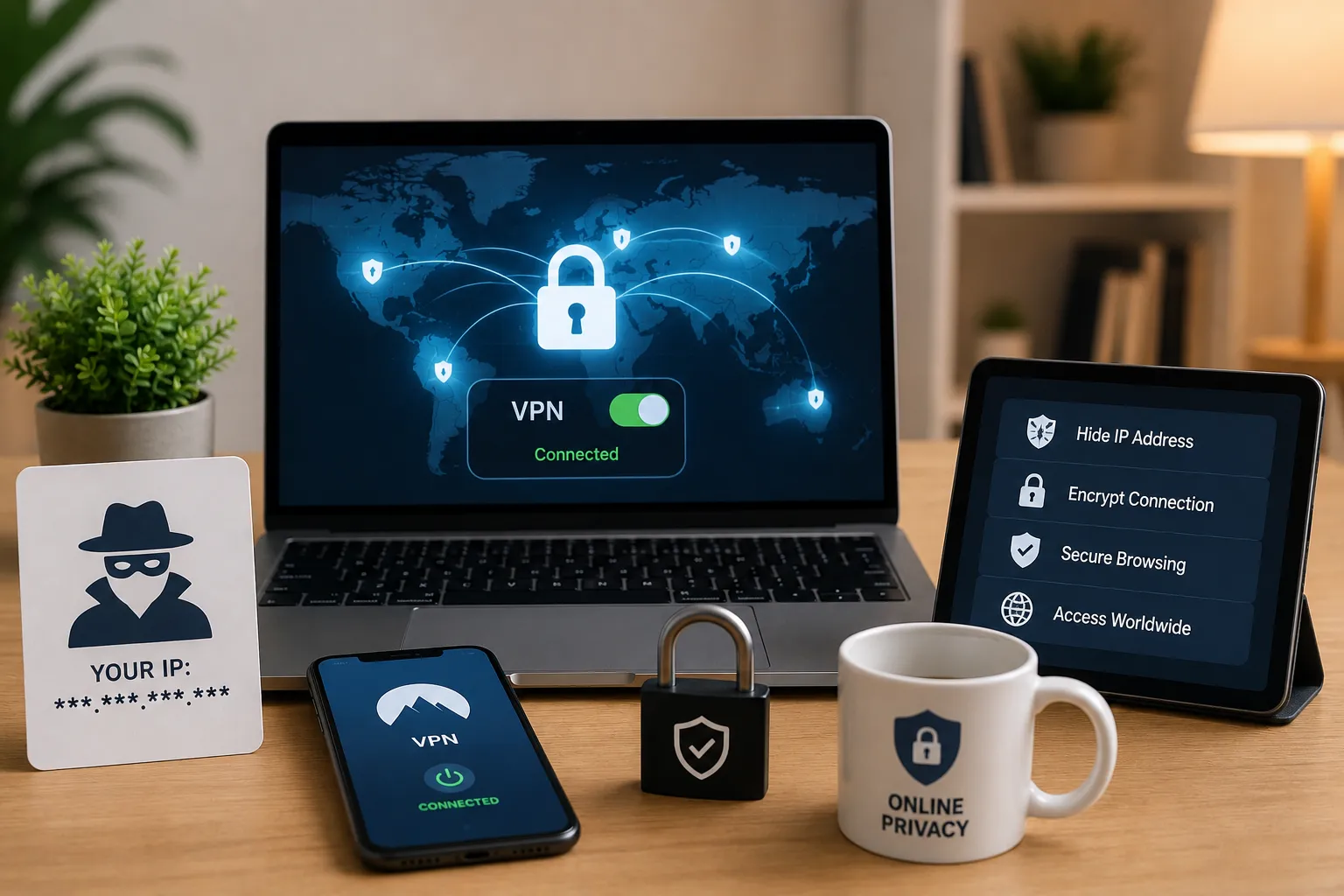
A VPN (Virtual Private Network) is the most popular and reliable way to hide your IP address. When you connect to a VPN, your internet traffic is routed through one of the VPN provider's servers. Websites and trackers see the VPN server's IP address — not yours.
Most reputable VPNs also encrypt all your traffic, meaning your ISP, government, and other third parties can't see what you're doing online.
What to look for in a VPN:
- No-logs policy — A logless VPN doesn't store records of your activity, so there's nothing to hand over even if compelled by authorities
- Strong encryption — Look for AES-256 encryption as a minimum
- Paid service — Free VPNs often monetise your data or have weak security. A paid service is worth the small monthly cost
Recommended VPNs:
ExpressVPN and NordVPN are consistently rated among the best options for privacy, speed, and ease of use. Setup is straightforward — download the app, sign in, and connect. That's it.
Best for: Everyday privacy, streaming geo-restricted content, working on public Wi-Fi, and anyone who wants a simple one-click solution.
2. Use a Web Proxy
A web proxy works similarly to a VPN — your traffic is routed through a proxy server, so websites see the proxy's IP address instead of yours. However, there are two important differences worth understanding before you use one.
Key limitations of web proxies:
- No encryption — Unlike VPNs, most free web proxies don't encrypt your traffic. Your ISP and anyone monitoring the network can still see what you're doing
- Browser-only — A proxy typically only masks traffic from your browser. Other apps on your device (like email clients or messaging apps) will still use your real IP address
Despite these limitations, proxies can be useful for quick, lightweight IP masking — for example, accessing region-blocked content temporarily.
How to set up a web proxy in Firefox:
- Open Preferences from the top-left menu
- Scroll to Network Settings in the General section
- Click Settings, then select Manual proxy configuration
- Enter the proxy server's IP address and port in the HTTP Proxy field
How to set up a web proxy in Microsoft Edge:
- Click the three-dot menu and go to Settings
- Search for "proxy" and select Open your computer's proxy settings
- Toggle Use a proxy server on and enter the address and port
- Click Save
How to set up a web proxy in Chrome, Opera, or Vivaldi:
Chrome-based browsers don't support browser-specific proxy settings natively — they use system-wide proxy settings instead. For browser-only proxy control, use an extension like Proxy Switcher & Manager.
Best for: Quick, temporary IP masking when you don't need full encryption.
3. Connect to Public Wi-Fi
This one is often overlooked: when you connect to public Wi-Fi, your home IP address is completely hidden. The traffic appears to come from the network you're connected to, not from your home broadband connection.
It's genuinely the simplest way to disassociate your browsing from your home IP — and at a busy hotspot like a coffee shop or airport, your activity is mixed in with dozens of other users.
The catch: public Wi-Fi carries serious risks
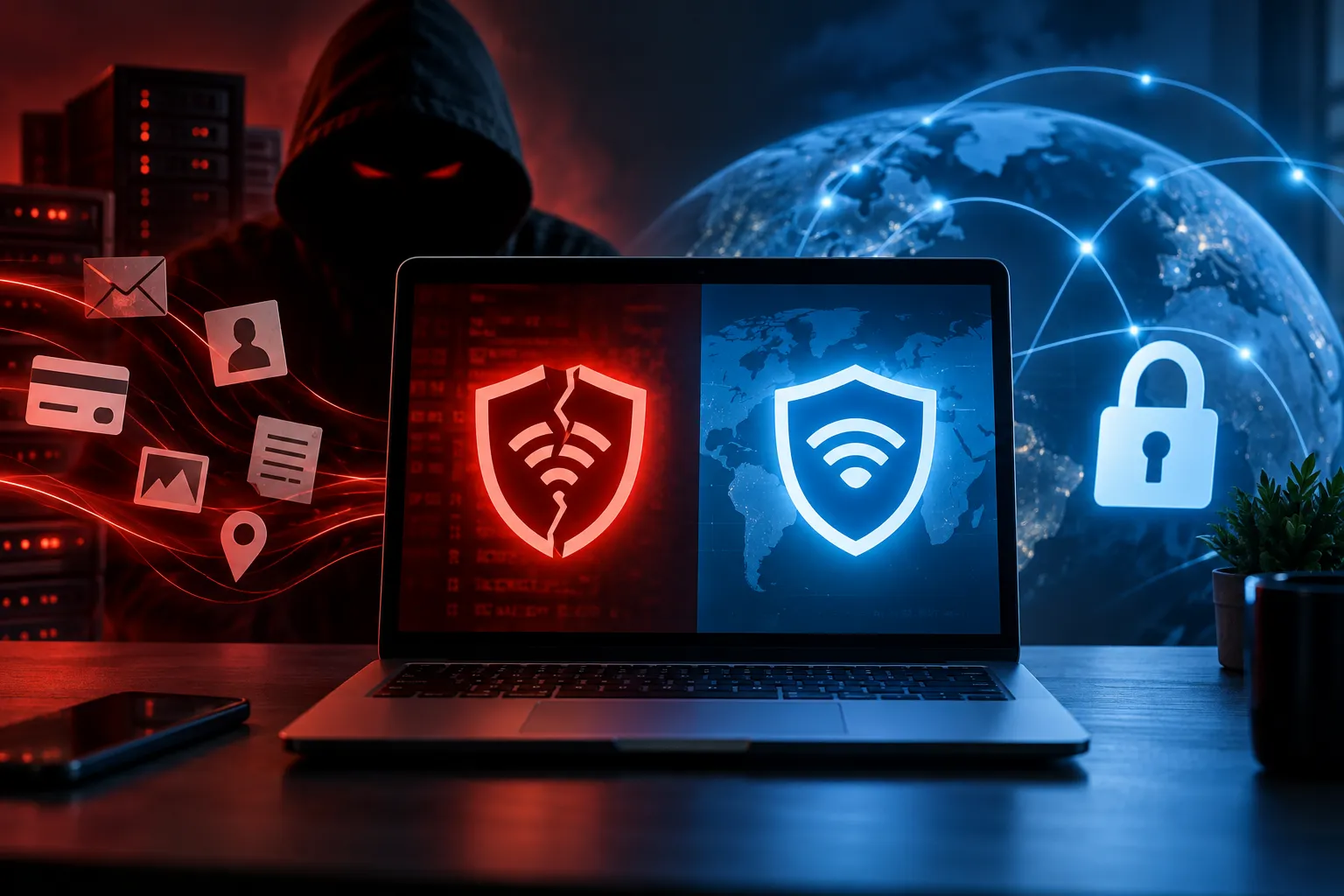
- Most public networks are unencrypted, meaning other users on the same network can potentially intercept your traffic
- Login credentials for banking, shopping, or email can be exposed
- Malware can spread between devices on the same network
- Attackers can set up rogue hotspots that mimic legitimate ones to steal your data
If you do use public Wi-Fi, always connect through a VPN at the same time to close these security gaps.
Best for: Masking your home IP temporarily — but only safely when combined with a VPN.
4. Use the Tor Browser
The Tor Browser (also known as the Onion Router) is a free, privacy-focused browser that hides your IP address by routing your traffic through a series of volunteer-operated relay servers around the world. Each relay only knows the one before and after it, making it extremely difficult to trace traffic back to you.
Tor is the tool of choice for journalists, activists, and anyone operating in high-risk environments. It's also freely available to anyone who values strong anonymity.
How to get started with Tor:
- Visit the official Tor Project website at torproject.org
- Download and install the Tor Browser for your operating system
- Open the browser and click Connect — it may take a few minutes to establish a connection
- Once connected, you can browse with your IP address fully masked
Things to know before using Tor:
- Tor is significantly slower than a regular browser due to multi-hop routing
- It is banned or restricted in some countries including China, Russia, and Iran
- It works best for anonymous browsing, not for high-bandwidth activities like streaming
Best for: Maximum anonymity, sensitive research, or bypassing heavy censorship.
Which Method Should You Use?
| Method | Hides IP | Encrypts Traffic | Speed | Cost |
|---|---|---|---|---|
| VPN | ✅ | ✅ | Fast | Paid |
| Web Proxy | ✅ | ❌ | Medium | Free |
| Public Wi-Fi | ✅ | ❌ | Varies | Free |
| Tor Browser | ✅ | ✅ | Slow | Free |
For most people, a paid VPN is the best all-round solution — easy to use, fast, and genuinely secure. Tor is the right choice when maximum anonymity matters more than speed. Proxies and public Wi-Fi work in a pinch but shouldn't be relied on for anything sensitive.
Frequently Asked Questions
Is hiding your IP address legal? In most countries, yes — using a VPN or proxy to mask your IP address is completely legal. Always check local laws if you're in a country with internet restrictions.
Can I hide my IP address for free? Yes, using Tor Browser or a web proxy costs nothing. Free VPNs exist but carry significant privacy risks — many log and sell your data.
Does a VPN completely hide your IP address? A VPN hides your IP from websites and trackers. However, the VPN provider itself can see your real IP, which is why choosing a no-logs VPN is essential.
Can my ISP see my activity if I use a VPN? Your ISP can see that you're connected to a VPN, but cannot see the content of your traffic if the VPN uses strong encryption.
Final Thoughts
Hiding your IP address is one of the quickest wins for online privacy. Whether you choose a VPN for everyday use, Tor for high-stakes anonymity, or a proxy for quick one-off tasks, each method puts you back in control of your digital footprint.



Comments