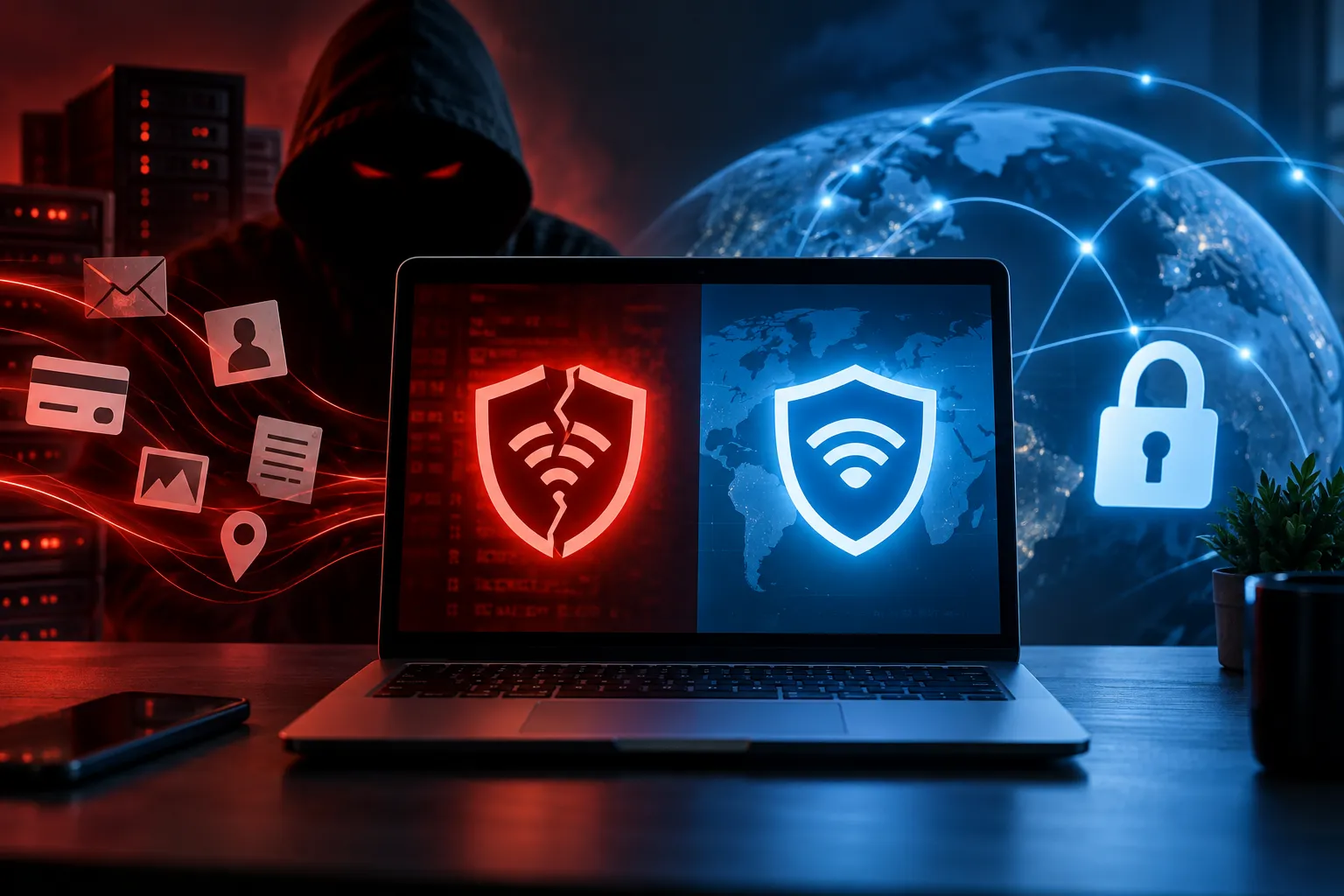
Every time you load a webpage, stream a video, or send a message, your device silently hands over a small but powerful piece of information — your IP address. Most people assume it's just a technical ID with no real-world consequences. That assumption is wrong.
Your IP address can reveal information about your geographic location, your internet service provider, and sometimes even specific details about your device. This means websites, advertisers, or even cybercriminals can potentially track your online behavior or target you with personalized ads based on this data.
The good news? You can mask it. This guide covers every legitimate method available in 2025 — how each works, who should use it, and what its real limitations are.
What Is a "Fake IP Address" Really?
Let's clear up the terminology first. The phrase "fake IP address" is technically misleading. A fake IP hides your real one by routing your connection through a different server — like with a VPN or proxy. You're not inventing a non-routable address from scratch; that's impossible. What you're doing is replacing your visible IP with a different, valid one assigned to another server or network.
It's also important to distinguish this from IP spoofing, which is an entirely different — and illegal — concept. IP spoofing manipulates IP packets to make them appear as if they're coming from another device, and is often linked to cyberattacks and fraud. Everything in this guide is legitimate, legal, and used by millions of everyday people worldwide.
Why Should You Mask Your IP Address?
There are several compelling reasons beyond just "privacy":
An exposed IP address can lead to detailed tracking of your online behavior, invasion of privacy through invasive targeted advertising, and in more serious cases, unwanted surveillance.
Once a cybercriminal has your true IP address, you risk unknowingly participating in malicious activity, being subjected to network breaches, or having your data stolen.
Copyright enforcement agencies actively monitor peer-to-peer networks, looking for IP addresses associated with downloads of protected content. Once a law enforcement agency has your IP address, it can approach your ISP and demand they hand over your name and address.
Beyond the risks, there are practical benefits too — bypassing geo-restrictions on streaming platforms, avoiding ISP throttling during heavy usage, and staying secure on untrustworthy public Wi-Fi networks.
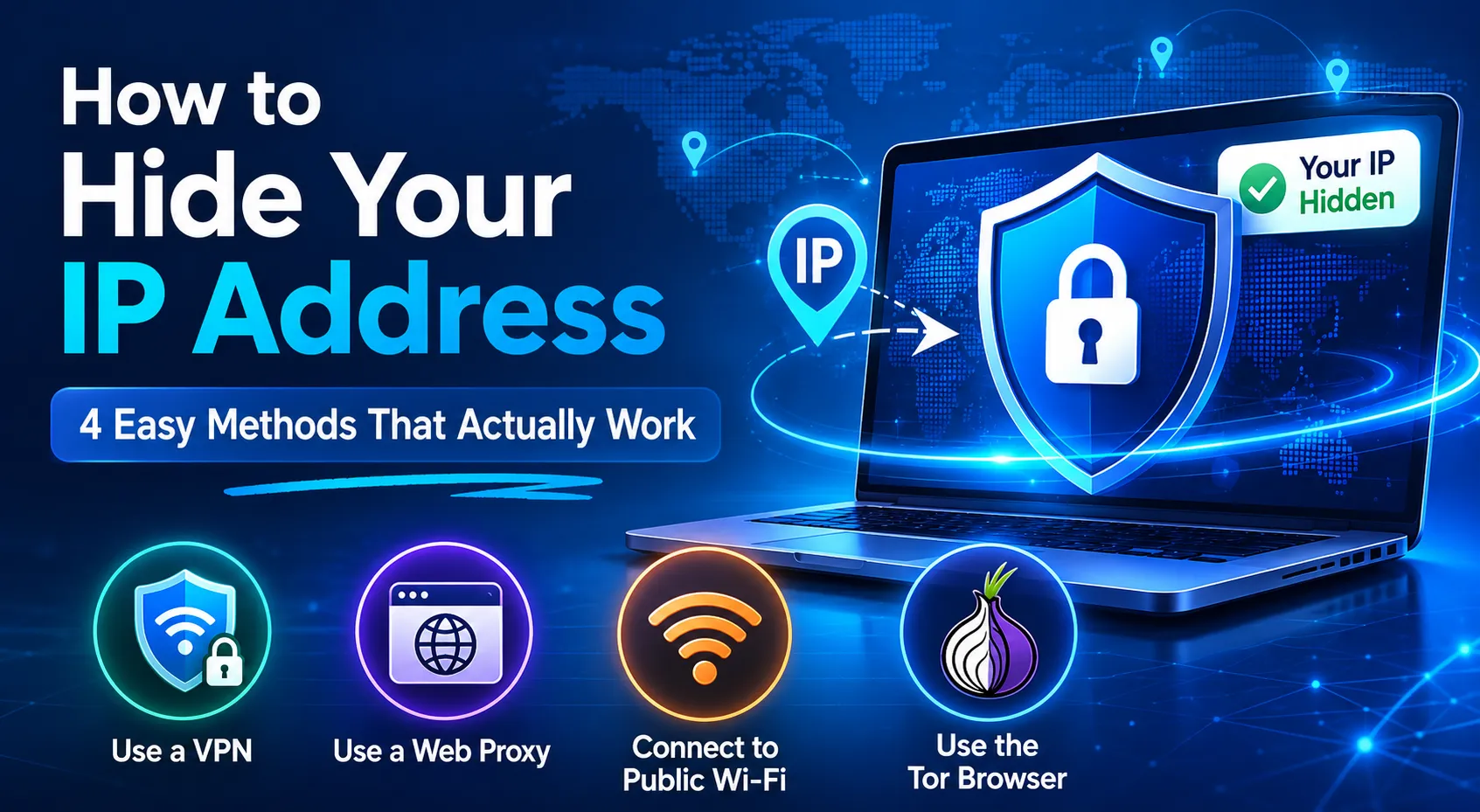
Method 1: Use a VPN — The Best All-Round Option
A Virtual Private Network is the most effective, versatile, and user-friendly way to mask your IP. A VPN creates an encrypted tunnel between your device and a VPN server. All of your internet traffic — every app, every connection, every DNS request — is routed through this tunnel. The VPN server then forwards your traffic to the destination using its own IP address instead of yours.
Modern VPNs use AES-256 or ChaCha20 encryption — the same standards used by governments and banks — and also encrypt DNS queries, preventing any leakage of your real identity.
How to get started with a VPN:
- Choose a reputable paid VPN provider (see recommendations below)
- Download and install the app on your device — Windows, Mac, Android, or iOS
- Sign in and select a server location (pick nearby for speed, or a specific country for geo-access)
- Hit Connect — your IP is now masked system-wide
Top VPN recommendations for 2025:
NordVPN excels at unblocking content from over 5,400 servers in 59 countries, backed by a no-logs policy and robust encryption. Surfshark is a highly affordable option offering unlimited simultaneous connections across 3,200+ servers without cutting corners on security. ProtonVPN is the best for users wanting a trustworthy free tier, while ExpressVPN leads in raw connection speed.
Critical features to look for:
- No-logs policy — the provider must not store records of your browsing activity
- Kill switch — cuts your internet if the VPN disconnects, preventing accidental IP exposure
- DNS leak protection — ensures your real IP doesn't slip through DNS requests
- WireGuard protocol — VPNs using WireGuard are nearly as fast as unprotected connections, with a typical speed loss of only 5–15% on high-speed connections — fast enough for 4K streaming and gaming.
One important caveat: The main limitation of a VPN is that you're trusting the provider. They can technically see your traffic, though reputable providers don't log it — and your anonymity depends on their no-logs policy being genuine. Always choose providers that have undergone independent third-party audits.
Method 2: Use a Proxy Server — Lightweight but Limited
A proxy server sits between your device and the internet, forwarding your requests using a different IP address. It's faster to configure than a VPN and requires no software installation for browser-level use — but the trade-offs are significant.
A proxy only hides your IP for one app and lacks encryption. A VPN, by contrast, encrypts all your traffic and routes it through secure servers across multiple locations.
Proxies can't compete with a VPN's many layers of security. Outside of spoofing your IP address, proxy servers neither encrypt your data nor remove any identifiable markers from it. They will do nothing to shield you from the prying eyes of your ISP, government, or anyone with access to your data.
Types of proxies:
HTTP Proxies work only for browser traffic and are best for quick, casual tasks like accessing a regionally blocked website.
SOCKS5 Proxies handle any type of traffic — torrents, apps, games — and are more flexible, though still unencrypted.
Residential Proxies use real IP addresses assigned by ISPs, making them much harder for websites to detect and block. These are widely used for web scraping and automation tasks.
When proxies make sense: Accessing a quickly blocked site, lightweight browsing without sensitive data, or basic geo-switching without needing encryption.
When to avoid proxies: Banking, logging into accounts, anything involving personal or financial data. The absence of encryption makes proxies genuinely dangerous for sensitive use cases.
Method 3: Use the Tor Browser — Maximum Anonymity
The Tor (The Onion Router) Browser takes a fundamentally different approach. Instead of routing your traffic through one server, Tor sends your data through multiple encrypted nodes, offering the highest level of anonymity available to regular users. Each step in the route adds a layer of encryption, preventing any single server from knowing both your identity and destination.
Tor offers very high anonymity — correlation attacks exist but require significant resources to execute. No single entity controls enough information to identify you. The network runs on volunteer infrastructure and is maintained by the non-profit Tor Project, which has been extensively audited by independent security researchers.
How to use Tor:
- Download the official Tor Browser from torproject.org — it's completely free
- Install and open it like any regular browser
- Allow 10–30 seconds for it to connect to the Tor network
- Browse normally — all traffic is automatically routed through at least three encrypted relay nodes
The real trade-offs: Tor is very slow — routing through three relays in different countries adds significant latency, with typical Tor speeds of 1–10 Mbps. It's also not suitable for streaming or high-bandwidth activities.
Additionally, when using Tor, always browse with the official Tor Browser only — other browsers can leak your real IP. Never log into personal accounts like email or social media while using Tor, because the moment you do, you expose your identity regardless of the network.
Pro tip — Tor over VPN: For maximum protection, connect to your VPN first, then open Tor. This means your ISP can't see that you're using Tor (which can itself raise flags in some countries), while Tor's layered routing prevents the VPN provider from seeing what you're accessing.
Best for: Journalists, activists, researchers, whistleblowers, or anyone in a high-surveillance environment where anonymity is non-negotiable.
Method 4: Connect via Public Wi-Fi — Quick but Dangerous
Connecting to a public network at a café, airport, or library gives websites a completely different IP address — the network's — rather than your home ISP's. It's the simplest IP change with zero setup required.
Public Wi-Fi is the simplest way of masking your identity online. However, it is not the safest option. There are real possibilities of identity theft and cyber threats, since when many people share the same network, it becomes easy for attackers to intercept data from web requests within that traffic.
Bottom line: Public Wi-Fi can work as a quick, temporary IP change, but should never be your only privacy tool. Public networks are prime targets for man-in-the-middle attacks and rogue hotspots. Always layer a VPN over public Wi-Fi to encrypt your traffic before connecting.
Method 5: Switch to Mobile Data — The Overlooked Quick Fix
Switching from your home Wi-Fi to your phone's mobile data immediately changes your visible IP address, since your mobile carrier assigns a completely different one. No apps, no configuration, no cost beyond your data plan.
This works well when a specific website has blocked your home IP, when you want a fast temporary IP swap, or when you're testing how content appears for mobile network users. It's not a privacy tool — your carrier still knows your identity — but it's a handy trick many people overlook for basic IP switching.
VPN vs. Proxy vs. Tor — Side-by-Side Comparison
A VPN encrypts your full internet connection and hides your IP. A proxy only hides your IP for one app and lacks encryption. Tor anonymizes your connection by routing it through multiple nodes but significantly slows your speed.
| Feature | VPN | Proxy | Tor |
|---|---|---|---|
| Encrypts traffic | ✅ Full | ❌ None | ✅ Multi-layer |
| Covers all apps | ✅ Yes | ❌ Per-app only | ✅ Browser only |
| Speed impact | Low (5–15%) | Minimal | Very high (slow) |
| Anonymity level | High | Low | Very High |
| Cost | Paid (best) | Free options | Free |
| Best use case | Everyday privacy | Quick IP switch | High-risk anonymity |
For the vast majority of users, a VPN is the right choice — it provides the best balance of security, speed, and usability. Proxies are fine for casual, non-sensitive use but should never be relied on for privacy. Tor is a specialized tool for high-risk scenarios where anonymity is more important than speed.
Bonus: How to Verify Your IP Is Actually Hidden
Before trusting any method, always confirm it's actually working:
- Before masking, visit whatismyip.com and note your real IP and location
- Connect to your VPN / proxy / Tor
- Reload the page — the IP and location should now reflect your VPN server, not your real address
For VPN users, also run a DNS leak test at dnsleaktest.com. This confirms your DNS requests aren't bypassing the VPN tunnel and revealing your real identity in the background — a common issue with poorly configured or low-quality VPNs.
Is Masking Your IP Legal?
In most countries, including India, masking your IP address for personal privacy is completely legal. However, masking your IP for privacy is legal in most countries, but illegal activities like fraud and hacking remain illegal regardless of IP masking. Streaming platforms and some services also prohibit VPN or proxy use in their terms of service.
In India specifically, the CERT-In 2022 regulations require VPN providers with physical servers in India to retain user data for five years. Most reputable providers — NordVPN, ExpressVPN, Surfshark, ProtonVPN — responded by removing their physical Indian servers, while maintaining virtual Indian servers for users who need an Indian IP address without the data retention risk.
Quick Guide: Which Method Is Right for You?
| Your Goal | Best Method |
|---|---|
| Everyday browsing + streaming privacy | VPN (NordVPN, Surfshark) |
| Quick access to a blocked site | Web Proxy |
| Maximum anonymity, sensitive work | Tor Browser or VPN + Tor |
| Budget-friendly option | ProtonVPN free tier |
| Secure browsing on public Wi-Fi | VPN (mandatory) |
| Temporary IP switch, no install | Mobile Data |
Final Thoughts
Your IP address is quietly doing a lot of talking on your behalf every time you go online. While VPNs, Tor, proxy servers, and public Wi-Fi networks can mask your device's actual IP address, they don't make you completely invisible — your ISP will still see that you're connected to a VPN server or Tor network. Think of it like wearing a disguise — you're harder to recognize, but not invisible. The key is that your actual IP address and location remain protected, which is what matters most for privacy.
For most people, a paid VPN delivers the right balance of protection, speed, and convenience. If you need stronger anonymity for sensitive work, layer Tor on top. And whatever you do, stay away from free VPNs — when a VPN is free, you're almost certainly paying with your data rather than your wallet.
FAQ
Can websites still track me if I use a VPN? They can't see your real IP, but you can still be tracked through browser cookies, fingerprinting, and logged-in account activity. Use a VPN alongside private/incognito mode for better results.
Is a free VPN safe enough? Generally no. Free VPNs often have data caps, slow speeds, and in documented cases have been caught logging and selling user data — the exact opposite of what you need from a privacy tool.
What's the best VPN for India in 2025? NordVPN and Surfshark are the top performers for Indian users, offering fast virtual servers, no-logs policies, and solid unblocking capabilities for international content.
Does Tor work on mobile? Yes — the Tor Project offers an official Tor Browser for Android. iOS users can use Onion Browser, a Tor-powered app available on the App Store.
Will using a VPN slow down my internet? Slightly — but modern VPNs using the WireGuard protocol keep speed loss below 10–15%, which is barely noticeable for everyday use including HD streaming.
Is IP masking the same as being completely anonymous? No. IP masking is one layer of privacy, not complete anonymity. True anonymity requires combining IP masking with encrypted communications, cookie management, and avoiding account logins that tie your identity to your activity.


Comments