
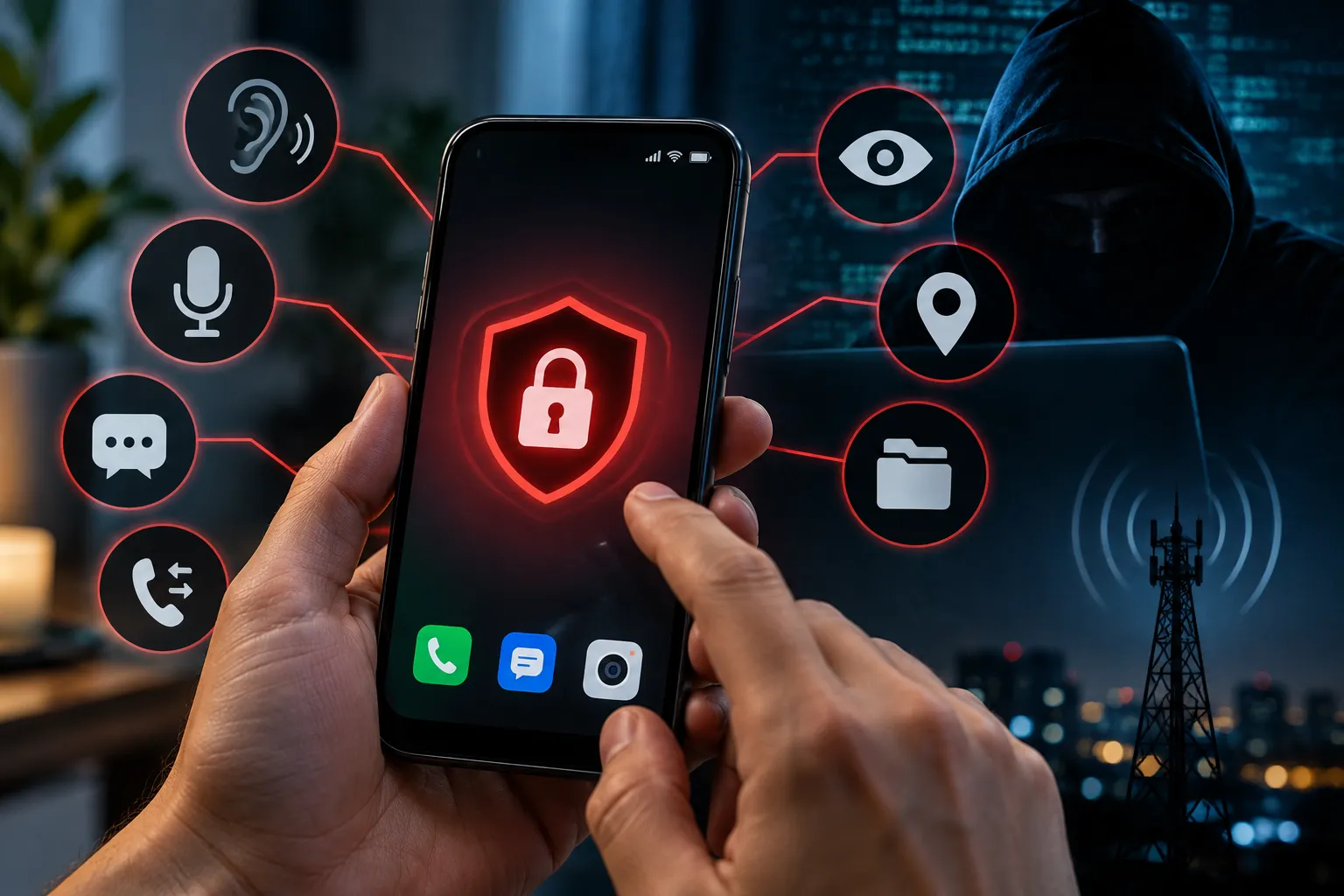
Wondering how to tell if your phone is tapped? The honest answer is that spyware rarely announces itself, but it almost always leaves a trail: data traffic you can't account for, a battery that drains while the screen is off, apps you never installed and settings that change on their own. This guide walks through the warning signs, a 10-minute check you can run on Android or iPhone today, and what to do if something doesn't add up.
Key takeaways
- Most "tapped phone" cases are really spyware or stalkerware running on the device, not a wiretap on the phone line.
- Look for patterns, not single glitches: unexplained data use, heat and battery drain at idle, unknown apps, and odd behavior when you're not touching the phone.
- Your phone's built-in usage screens (data, battery, app list, device management) reveal far more than any "spy detector" app.
- If you suspect someone you know installed monitoring software, plan your next step carefully - removing it can alert them.
What "tapped" really means in 2026
The phrase comes from the landline era, when someone physically clipped into a phone wire. Today there are two very different situations people mean:
- Network-level interception - lawful intercepts arranged through a carrier. These happen outside your handset, so there is nothing on the phone to find.
- On-device surveillance - spyware, stalkerware or a malicious app that records calls, reads messages, tracks location or switches on the microphone. This is by far the most common threat for everyday users, and it's the one you can detect and remove.
Everything below focuses on the second case. The U.S. Federal Trade Commission has a clear overview of what stalkerware is and how it gets onto phones, usually through a few minutes of physical access by someone the victim knows.
7 warning signs your phone is tapped by spyware
1. Mobile data you can't explain
Surveillance apps have to send what they collect somewhere - recordings, screenshots, GPS logs - and that upload shows up as data traffic. Streaming video, music, cloud photo backup and freshly installed apps are all normal reasons for a spike, so rule them out first. What should worry you is steady background traffic from an app you don't recognize, or from a generic-sounding "system service".
2. Apps you don't remember installing
Scroll through your full app list, not just the home screen. Stalkerware often hides behind bland names and icons that imitate settings tools, device updaters or battery optimizers. Fake copies of popular apps are another route in, which is why sticking to the official app stores and checking the developer name before you tap "Install" matters.
3. Heat and battery drain while the phone is idle
Gaming, navigation and video calls legitimately warm a phone and eat the battery. A handset that is warm in your pocket after an hour of doing nothing is different: something is working in the background. Keep in mind that an ageing battery or a badly behaved app can cause the same symptom, so treat this as a clue to investigate rather than proof.
4. A sluggish phone that struggles to shut down
Monitoring software competes with you for processor time and memory. If a phone that used to feel quick now lags on simple tasks, takes a long time to power off, or restarts on its own, check what's running before blaming its age.
5. Activity when you're not using it
Watch for the screen lighting up without a notification, apps opening by themselves, or the phone rebooting at random. On current iPhones and on Android 12 and later, a small green or orange indicator appears when the camera or microphone is in use - if you see it with no app open that should be using them, take it seriously.
6. Strange text messages
Some older monitoring tools were controlled with SMS commands, so bursts of garbled texts with random characters from unknown numbers can be a sign of a remote control channel. More often, odd messages are phishing links trying to get you to install something - never tap them.
7. Settings that change on their own
Security features switched off, an unknown device management profile, a new accessibility service or a device admin app you didn't approve are among the strongest signals. These permissions give an app deep control over the phone, which is exactly what spyware needs.
How to tell if your phone is tapped: a 10-minute check
Work through these steps in order. Menu names vary a little between phone makers and software versions.
On Android
- Data: open Settings > Network & internet (or Connections on Samsung) and review app data usage. Note anything unfamiliar near the top.
- Battery: open Settings > Battery > Battery usage and look for apps consuming power in the background.
- Apps: go to Settings > Apps > See all apps and read the whole list, including system apps if your phone lets you show them.
- Special access: check Device admin apps and Accessibility for anything you didn't enable.
- Scan: run Google Play Protect from the Play Store app to scan installed apps for harmful behavior.
On iPhone
- Data: open Settings > Cellular (or Mobile Data) and scroll to per-app usage.
- Battery: open Settings > Battery and review activity for the last 24 hours and 10 days.
- Profiles: check Settings > General > VPN & Device Management. A profile you didn't install - especially on a personal phone - is a red flag.
- Sharing: use Safety Check in Settings > Privacy & Security to see who has access to your location and data, and to revoke it. Apple explains the process in its Personal Safety User Guide.
- Account: review the devices signed in to your Apple ID and change the password if you see one you don't recognize.
Red flag or normal behavior?
| What you notice | Usually harmless when… | Worth investigating when… |
|---|---|---|
| Data spike | You streamed, backed up photos or installed an update | An unknown app is uploading in the background |
| Battery drain | The battery is several years old or you used GPS heavily | The phone is warm and draining while idle |
| Slow performance | Storage is nearly full | It started suddenly and shutdowns take much longer |
| Unknown app | It's a pre-installed carrier or manufacturer app | It has a generic name, no icon, or admin/accessibility rights |
| Mic or camera indicator | You're in a call or a video app is open | It appears with nothing open |
What to do if you think your phone is tapped
- Think about safety first. If you believe a partner, family member or employer installed the software, removing it may tip them off. The FTC recommends having a plan and, where relevant, contacting a support organization before you act.
- Use a different device for sensitive conversations and for changing passwords until the phone is clean.
- Remove the suspicious app and revoke any admin, accessibility or profile access it was given.
- Update the operating system. Updates close the security holes that more advanced spyware relies on.
- Change your passwords for your Google or Apple account, email and banking, and turn on two-factor authentication.
- Factory reset as a last resort - after backing up photos and contacts, but without restoring old app backups that could bring the problem back.
For more ways to lock down your devices, browse our cybersecurity guides and Android tips.
Frequently Asked Questions
Can you hear if your phone is tapped during a call?
Not reliably. Clicks, echoes and static are almost always caused by poor signal or network issues. Modern spyware records silently, so the signs above are far better indicators than call noise.
Does airplane mode stop spyware?
It temporarily cuts mobile data, Wi-Fi and Bluetooth, which stops the app from sending anything while it's on. It doesn't remove the software, and collected data can be uploaded as soon as you reconnect.
Can an iPhone be tapped without being jailbroken?
It's harder, but yes. Someone with your Apple ID password can read synced data from iCloud, and a rogue configuration profile can route your traffic. Checking signed-in devices and device management settings covers both.
Will a factory reset remove spyware?
A reset removes almost all app-based spyware. Afterwards, set the phone up as new, change your account passwords and only reinstall apps from the official store.
Are "spy detector" apps worth installing?
Stick to built-in tools and well-known security apps from reputable developers. Many lesser-known detector apps request broad permissions themselves, which adds risk rather than reducing it.
Final thoughts
Knowing how to tell if your phone is tapped comes down to paying attention to what's normal for your own device. One odd symptom is rarely a reason to panic, but several at once - background data, idle battery drain, unknown apps and changed settings - deserve a proper check. Run the 10-minute review above every few months, keep your phone updated and never leave it unlocked with people you don't fully trust.



Comments