
A few years ago, ChatGPT was mostly used for answering simple questions and generating text.
Today, it has evolved into something much bigger.
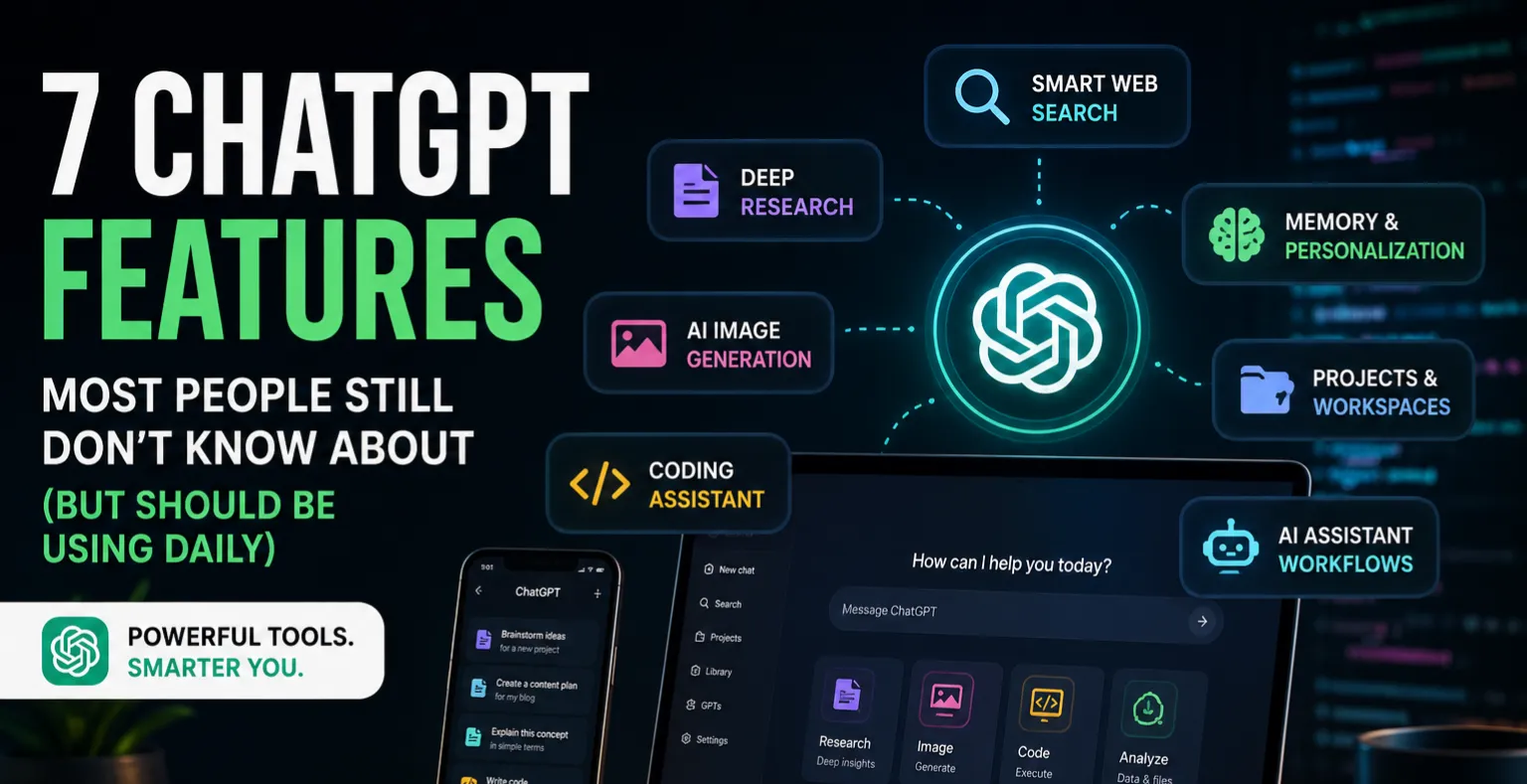
With powerful upgrades like Deep Research, live web search, image generation, memory, coding assistance, and AI-powered workflows, ChatGPT is becoming an all-in-one productivity platform for developers, creators, students, and businesses.
Most people still use it like a normal chatbot.
But if you know how to use its newer features properly, ChatGPT can save hours of work every single day.
Here are the most useful ChatGPT features you should start using right now.
1. Deep Research Can Save You Hours of Work


One of ChatGPT’s most impressive upgrades is Deep Research.
Instead of giving quick one-line answers, ChatGPT can now:
- Analyze multiple sources
- Compare information
- Summarize reports
- Break down complex topics
- Generate structured research
This feature is extremely useful for:
- Students
- Developers
- Startup founders
- Content creators
- Researchers
For example, instead of manually opening 20 browser tabs to learn about Kubernetes, AI agents, or cloud computing, you can ask ChatGPT to generate a complete research summary in minutes.
It acts more like a research assistant than a traditional chatbot.
2. ChatGPT Search Is Smarter Than Traditional Search Engines for Many Tasks


Traditional search engines are great, but they often require users to:
- Open multiple websites
- Compare articles manually
- Filter SEO-heavy content
- Read long pages for small answers
ChatGPT Search simplifies this process.
It can search the web in real time and summarize information into a clean, readable format.
This works especially well for:
- Statistics
- Tutorials
- Product comparisons
- News summaries
- Learning technical concepts
- Finding resources
One major advantage is conversational context.
You can continue asking follow-up questions naturally without restarting your search every time.
That makes learning much faster and less frustrating.
3. AI Image Generation Has Improved Massively


AI-generated images used to look unrealistic and messy.
That has changed dramatically.
Modern ChatGPT image generation tools can now create:
- Realistic visuals
- App prototypes
- Pinterest graphics
- Blog covers
- Social media posts
- Product mockups
- Concept art
One of the best use cases is rapid idea visualization.
Instead of imagining how a website, startup idea, or product might look, you can generate a visual concept in seconds.
For creators and entrepreneurs, this is incredibly powerful.
4. Developers Are Using ChatGPT as a Coding Partner


ChatGPT has become one of the most useful tools for developers.
It can help with:
- Debugging errors
- Writing APIs
- Explaining code
- Refactoring applications
- Optimizing SQL queries
- Building frontend components
- Generating backend logic
- Learning new frameworks
Many developers now use ChatGPT daily for rapid prototyping and problem-solving.
Instead of spending hours searching forums for errors, developers can often identify issues within minutes using AI assistance.
It’s especially valuable for:
- Full-stack developers
- Students
- Freelancers
- Startup founders
- Indie hackers
5. ChatGPT Memory Makes Conversations More Useful


Another underrated feature is ChatGPT Memory.
It can remember:
- Your preferences
- Writing style
- Ongoing projects
- Interests
- Workflows
- Frequently discussed topics
Over time, this creates a more personalized experience.
For example:
- Developers don’t need to repeatedly explain their tech stack
- Writers can maintain a consistent tone
- Students can continue long-term learning journeys
- Businesses can streamline workflows
This makes ChatGPT feel less like a chatbot and more like a digital assistant.
6. ChatGPT Is Becoming an AI Productivity Platform


The biggest shift is that ChatGPT is no longer just a text tool.
It is slowly evolving into a complete AI ecosystem.
Today, users can:
- Generate images
- Search the web
- Analyze files
- Write code
- Conduct research
- Brainstorm ideas
- Create content
- Automate tasks
All from one interface.
This changes how people interact with technology.
Instead of switching between multiple apps and websites, many users now complete most of their workflow inside ChatGPT itself.
That trend will likely continue growing in the coming years.





Comments