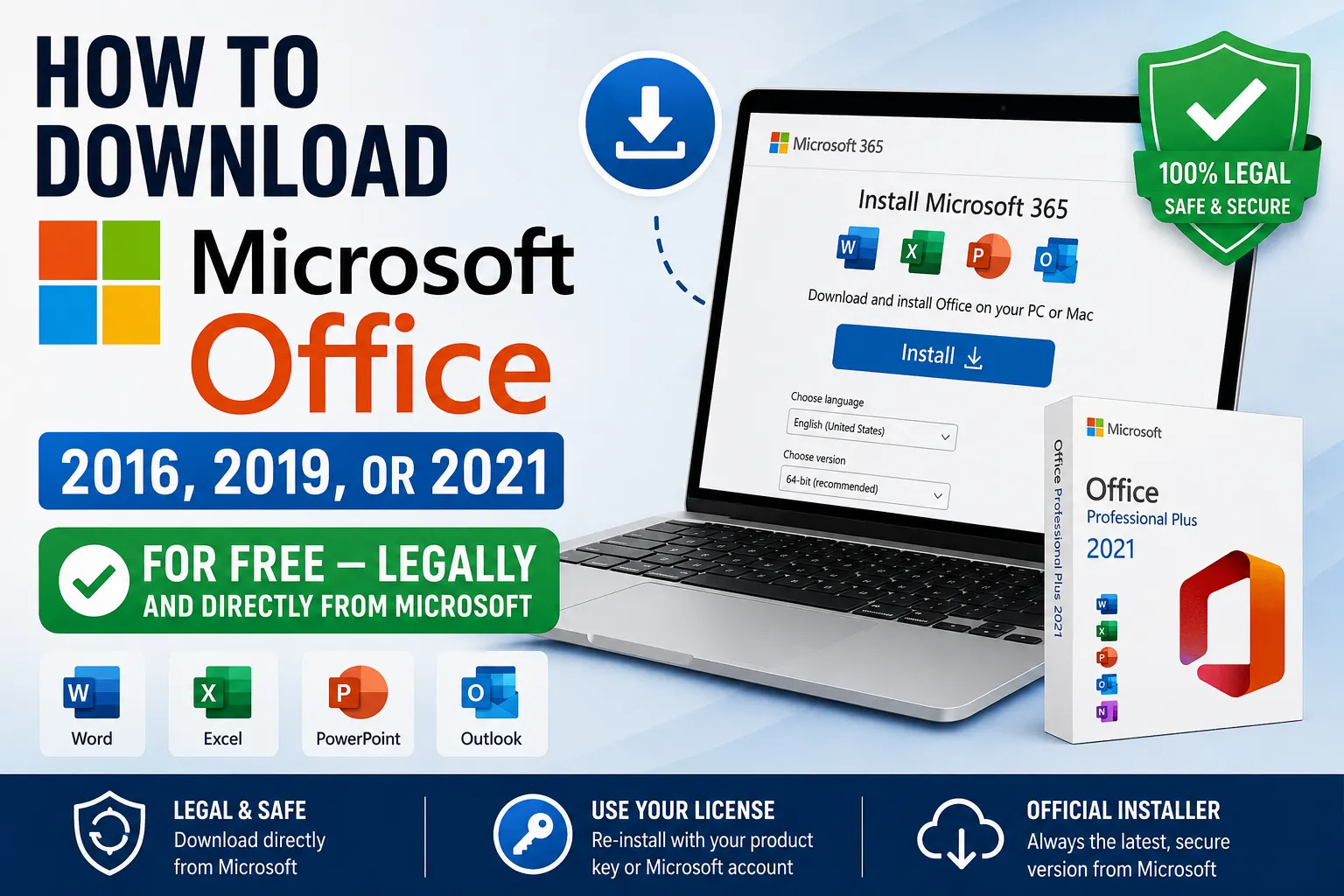
Get Microsoft Office Without Paying Again: A Legal Download Guide
Lost your Office installer? Switched to a new PC? You don't need to buy a fresh copy. Microsoft quietly allows you to re-download Office directly from their servers — provided you already own a valid license. Here's every legitimate route to get Office 2016, 2019, or 2021 back on your machine at no extra cost.
Why You Might Need to Re-Download Office
There are more reasons than you'd think. A hard drive failure, a new laptop, a factory reset, or simply misplacing the original disc or installer can leave you stranded without the Office apps you paid for. Fortunately, Microsoft has made re-downloading straightforward — as long as you can prove ownership.
Method 1: Through Your Microsoft 365 Subscription
A Microsoft 365 subscription (formerly Office 365) gives you permanent access to the latest Office apps for as long as your plan stays active. That means if you're already paying for Microsoft 365, downloading Office on a new or reset device costs you nothing extra.
Steps:
- Head to the official Microsoft 365 account portal and sign in with your Microsoft account.
- Look for the "Microsoft 365 apps for your devices" section and hit Install.
- A prompt will appear — choose your preferred language and system version (32-bit or 64-bit), then click Install again.
Note for business users: If your organisation runs an Enterprise or Office 365 Business plan, you may be redirected to a company-managed portal. Look for an "Install Office & Office 365 apps" option there.
Method 2: Using a Product Key
Bought a boxed copy of Office? Got a product key sticker on your laptop from the manufacturer? You can use that key to download the corresponding Office version straight from Microsoft — no disc required.
Steps:
- Go to Microsoft's official Download Office page (
aka.ms/office-installor search "Microsoft Download Office"). - Sign in with a Microsoft account (create one free if needed).
- Enter your 25-character product key when prompted.
- Microsoft will identify your Office version and provide a download link.
This method works whether you bought Office at retail, received it pre-installed on a PC, or purchased it through an authorised reseller.
How to Install Once Downloaded
The installation process is the same regardless of which method you used:
- Run the installer file after it downloads.
- Office will begin pulling its components from Microsoft's servers — keep your internet connection active throughout.
- Once complete, you'll see a confirmation screen. Your Office apps will appear in the Start Menu.
- On first launch, accept the licence agreement and, if prompted, follow the Activation Wizard. Choosing internet activation is the fastest option.
32-bit vs 64-bit: Office defaults to 64-bit, which is recommended for most users. However, if you already have any 32-bit Office components installed, the new apps will match that. To switch architectures entirely, uninstall Office first, then reinstall.
No License? Consider These Free Alternatives
Both methods above require an existing licence or active subscription. If you don't have either, purchasing one is the only way to use Microsoft Office legally. That said, there are capable free alternatives worth knowing about:
- LibreOffice — A fully featured, open-source desktop suite compatible with Office file formats.
- Google Workspace (Docs, Sheets, Slides) — Browser-based tools that handle everyday tasks well and sync across devices.
- OnlyOffice — A lesser-known but polished option that closely mimics the Office interface.
These won't replicate every advanced Office feature, but for most day-to-day work, they're more than sufficient.
Quick Summary
| Situation | Best Method |
|---|---|
| Active Microsoft 365 subscription | Download via account portal |
| Have a product key (retail/OEM) | Use Microsoft's Download Office page |
| No key or subscription | Consider free alternatives |
Losing access to Office doesn't mean starting over financially. Microsoft's re-download options make it easy to get back up and running — you just need to know where to look.

Comments