
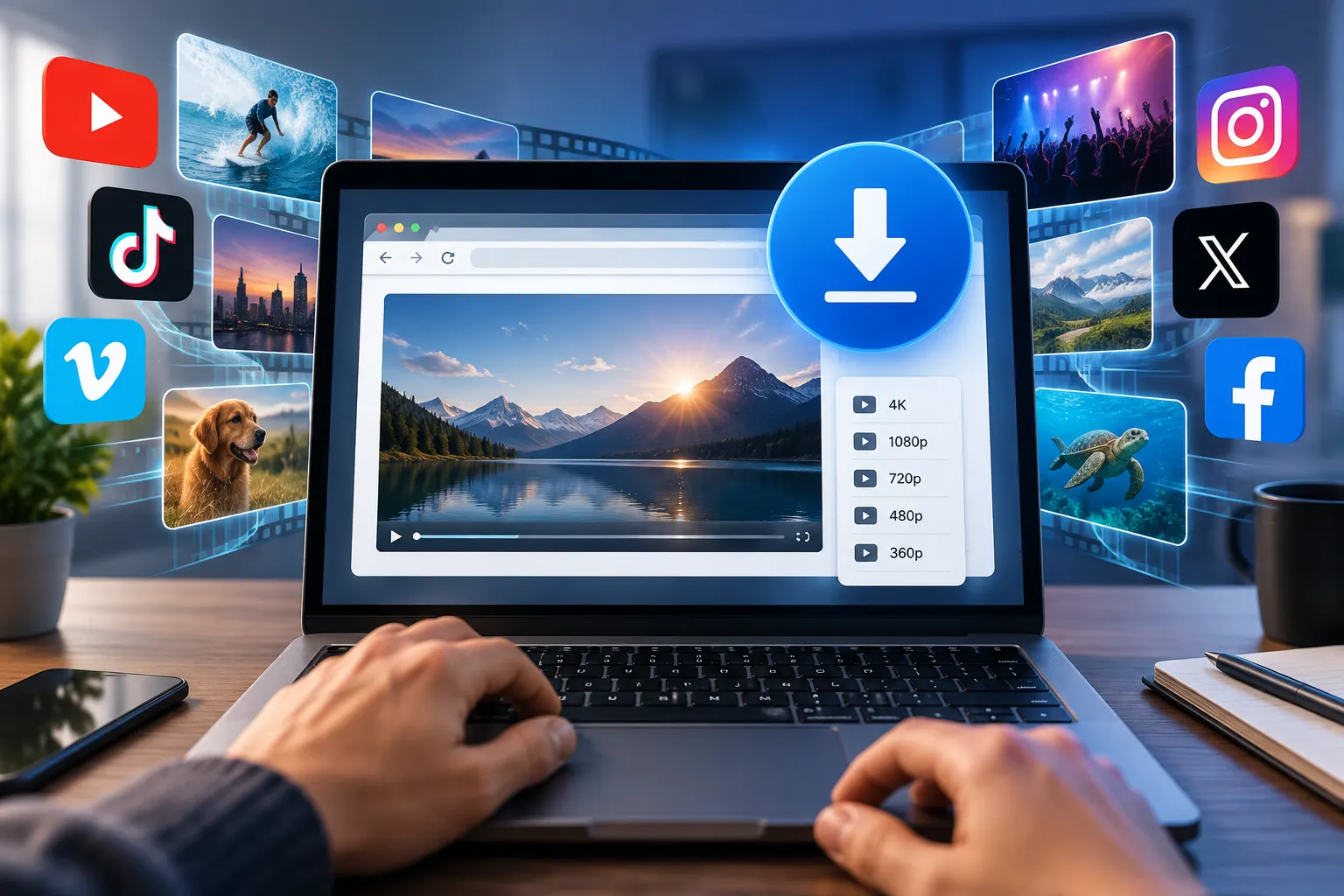
If you want to download videos from any website, the honest answer is that one universal trick no longer exists — but four methods cover almost everything, and one of them (the open-source tool yt-dlp) handles the vast majority of cases for free. This guide walks through each approach, ranks them by safety, and draws a clear line around the downloads that are simply not legal to attempt.
Key takeaways
- yt-dlp is the best default. It is free, open source, ad-free, and supports thousands of sites. Everything else is a compromise.
- Paste-a-link websites are the riskiest option. They survive on ad networks that frequently serve fake download buttons.
- Browser add-ons trade privacy for convenience. Anything that reads and changes data on every page you visit deserves scrutiny.
- The browser's Network panel still works for plain MP4 files, but not for chunked HLS or DASH streams.
- Anything behind DRM is off limits. Netflix, Disney+ and Prime Video encrypt their catalogues, and breaking that encryption violates the DMCA in the United States and similar laws elsewhere.
- Permission is the deciding factor, not technical ability. Public domain material and permissive Creative Commons licences are the clean path.
Start here: what you are actually allowed to save
Technique is the easy part. The part people skip is whether they have any right to the file, so it belongs at the top rather than buried in a footnote.
A video is copyrighted the moment it is recorded. The person who made it holds the exclusive right to copy and distribute it, and a saved MP4 on your drive is a copy. On top of that sits the platform's own rulebook: the YouTube Terms of Service and its equivalents elsewhere generally forbid pulling content down unless the platform itself hands you a button for it. Breaking those terms is a contract problem that can cost you your account, separate from the copyright question.
Two things often get misread:
- Fair use is a defence, not a permission slip. In the US it is weighed case by case across four factors, and the UK and Canada use a narrower "fair dealing" list. Neither gives blanket cover for building a personal library. The US Copyright Office explainer on fair use is worth ten minutes of your time.
- DRM is a separate offence. Even where copying might otherwise be arguable, circumventing the encryption on a subscription service is prohibited in its own right. Those platforms all ship an official offline-download feature inside their apps, and that is the only legitimate route.
The genuinely safe pool is larger than people expect: works in the public domain, footage released under Creative Commons licences that permit redistribution, your own uploads, and anything a creator has explicitly cleared for you. Check the licence code before you assume — CC BY is permissive, while ND forbids derivatives and NC rules out commercial use.
Why "right-click and save" stopped working
Nothing on a modern site behaves like a single downloadable file, and that is by design rather than spite.
Adaptive streaming splits the file into pieces
HLS and DASH cut a video into hundreds of short segments, typically .ts or .m4s, described by a manifest such as an .m3u8 playlist. The player fetches segments one at a time and swaps resolution mid-playback as your bandwidth changes. There is no monolithic MP4 sitting on the server to grab — reassembling it is a job for software.
The addresses are temporary
Media URLs are frequently signed with an expiry token and generated by JavaScript at playback time. A link copied now may return a 403 error in fifteen minutes, which is why a working address today is worthless tomorrow.
Encryption on premium catalogues
Widevine and FairPlay keep subscription video encrypted end to end so that only an approved player on an approved device can decode it. This is the wall referenced above, and no legitimate tool climbs it.
Four ways to download videos from any website, compared
| Method | Difficulty | Safety | Handles HLS/DASH | Best for |
|---|---|---|---|---|
| yt-dlp (command line) | Moderate | High | Yes | Almost every situation |
| yt-dlp GUI front-ends | Low | High | Yes | People who avoid terminals |
| Browser extensions | Low | Low to medium | Sometimes | Occasional one-click grabs |
| Paste-a-link websites | Very low | Low | Sometimes | A single file on a borrowed machine |
| Developer tools | High | High | No | Simple self-hosted MP4s |
Method 1: yt-dlp, the tool worth the learning curve
yt-dlp grew out of the older youtube-dl project and is now maintained far more actively. It is a command-line program, which puts some people off, but three or four commands cover everything most users will ever need. Because the code is public on the yt-dlp GitHub repository, there is no ad network, no telemetry and no bundled installer surprise.
Installing it
- Windows: download
yt-dlp.exefrom the project's releases page, drop it in a folder such asC:\Tools, then add that folder to your PATH so the command works from any directory. - macOS: with Homebrew installed, run
brew install yt-dlp. - Linux:
pip install -U yt-dlp, or use your distribution's package manager. - Add FFmpeg. yt-dlp leans on FFmpeg to stitch separate video and audio tracks together and to convert formats. Install it via the same package manager, or place the binary alongside yt-dlp on Windows. Skip this and your highest-quality downloads will fail to merge.
Commands that cover the common cases
Open Terminal or PowerShell and wrap every URL in quotation marks — ampersands and question marks in a bare URL confuse the shell.
- Grab the best available version:
yt-dlp "URL" - Inspect what exists first:
yt-dlp -F "URL"prints a table of format codes with resolution, codec and file size. - Pick exact streams:
yt-dlp -f 313+251 "URL"combines a specific video code with a specific audio code, merged by FFmpeg. - Audio only:
yt-dlp -x --audio-format mp3 "URL" - Add subtitles:
yt-dlp --write-subs --sub-langs en "URL" - A whole playlist: pass the playlist URL and it works through every entry in order.
- Content that needs a login you already hold:
--cookies-from-browserreuses your existing session. It cannot open anything your account cannot already watch.
If you would rather click than type
Several desktop applications wrap yt-dlp in a window with buttons — Stacher, Open Video Downloader and yt-dlg among them. You get the same download engine with a visual queue, which is a reasonable trade if the terminal is a barrier.
Method 2: browser extensions
An add-on watches the pages you open, spots embedded players, and surfaces a download button next to the video. Convenience is the entire appeal, and the cost is written into the permission prompt.
To detect media anywhere, most of these extensions request the ability to read and modify data on every site you visit. That is the same access level a credential-harvesting extension would need. Extensions also change hands: a well-reviewed tool can be sold and pushed a malicious update to an existing install base without users noticing.
There is also a supply problem. Google's Chrome Web Store program policies prohibit extensions that download from YouTube, so the ones you find there are limited by design, and sideloading from a random website removes the only review layer that exists.
If you install one anyway: take it from the official store, read the recent one-star reviews rather than the average score, check the install count, and read the permission list before approving. Remove it once the job is done.
Method 3: paste-a-link websites
These services accept a URL, fetch the media server-side, and hand back links in a few resolutions. No installation, works on a phone, and that is where the advantages end.
The business model is advertising, and it is usually the aggressive kind: decoy buttons, interstitial pop-ups, fake "your player is out of date" prompts and push-notification traps. Your IP address and every URL you submit pass through a server you know nothing about. These sites also break constantly, because each platform code change snaps their scrapers until someone patches them.
If you must use one, run an ad blocker, right-click the real download link and choose "Save link as" rather than left-clicking it, never install anything the site recommends, never enter personal details, and scan the file afterwards. Treat it as a last resort on a machine you do not care much about.
Method 4: the browser's own developer tools
This costs nothing and installs nothing. It works only on sites that serve a whole file rather than a segmented stream — many self-hosted videos and small independent sites still do.
- Open the page but do not start playback.
- Press F12, or right-click and choose Inspect.
- Switch to the Network tab and apply the Media filter.
- Press play. Watch for a request whose transferred size climbs steadily — that is the file streaming in.
- Right-click that request and choose "Open in new tab".
- If a bare player appears, right-click the video and save it.
When the filtered list fills with dozens of tiny .ts files instead, you have hit an HLS stream. Stop there and use yt-dlp, which can read the manifest and rebuild the file properly.
Choosing a format, and mobile
MP4 with H.264 video plays essentially everywhere and is the safe default. WebM is efficient and common on the web but less welcome on older hardware and some editing software. MKV holds multiple audio and subtitle tracks in one container, which is useful for archiving but awkward for sharing. When in doubt, take the MP4.
On mobile the picture narrows. Android permits third-party apps installed outside the Play Store, with the usual risk that carries. iOS sandboxing leaves almost no room for downloader apps, so most people fall back to a browser-based service or, more sensibly, the official offline feature that YouTube Premium, Spotify and the major streaming apps already provide.
Who should use which approach
- Once-a-year saver: check for an official download button first; it exists more often than people assume.
- Researcher, teacher or archivist: install yt-dlp. Batch handling and subtitle capture alone repay the setup time.
- Editor pulling licensed clips: yt-dlp with explicit format selection, so you control codec and resolution rather than accepting a re-encode.
- Creator protecting your own work: assume determined viewers can capture anything you stream unencrypted, and treat visible watermarking and licensing terms as your real defence. If you are weighing self-hosting against a platform, our how-to guides and internet coverage go deeper on the trade-offs.
Frequently Asked Questions
Is saving a YouTube video legally allowed?
Doing so without permission from the creator or a download option provided by the platform breaks YouTube's terms and, strictly read, copyright law. Enforcement against private non-commercial saving is rare, but redistributing, selling or reuploading that file is a different matter entirely and is actively pursued.
Can I download from Netflix or Disney+?
No. Those catalogues are DRM-encrypted, and defeating that encryption is prohibited under the DMCA and comparable laws elsewhere. Use the offline download feature inside the official app, which is built for exactly this.
What is the safest way to download videos from any website?
yt-dlp. It is open source, publicly auditable, carries no advertising or trackers, and never asks you to click through a page of decoy buttons. The main risk left is downloading the wrong thing from a fake project site, so take it from the official GitHub releases page.
Why do online downloaders keep breaking?
They depend on scraping a page layout that platforms change regularly. Each change breaks the scraper until the operator rewrites it, which is why a site that worked last month may simply spin forever today.
Can downloading a video infect my computer?
An ordinary MP4 is not the threat. The danger sits in the delivery path: malicious ad networks on downloader sites, fake installers presented as required codecs, and extensions with more access than they need. Scan anything that arrives as an executable, and never install software a download page insists you need.
How do I get only the audio?
yt-dlp handles it with -x --audio-format mp3. Most web-based services also offer an audio option, though at a lower bitrate than the source usually allows.
Final thoughts
Learning to download videos from any website comes down to one tool and one question. Install yt-dlp, learn the handful of commands above, and the technical side is solved for years. The question is whether you have the right to the copy — and that one deserves an answer before you run anything. Check for an official download option, look for a Creative Commons licence, ask the creator, and leave encrypted subscription catalogues alone. Handled that way, the whole process stays both simple and defensible.



Comments