
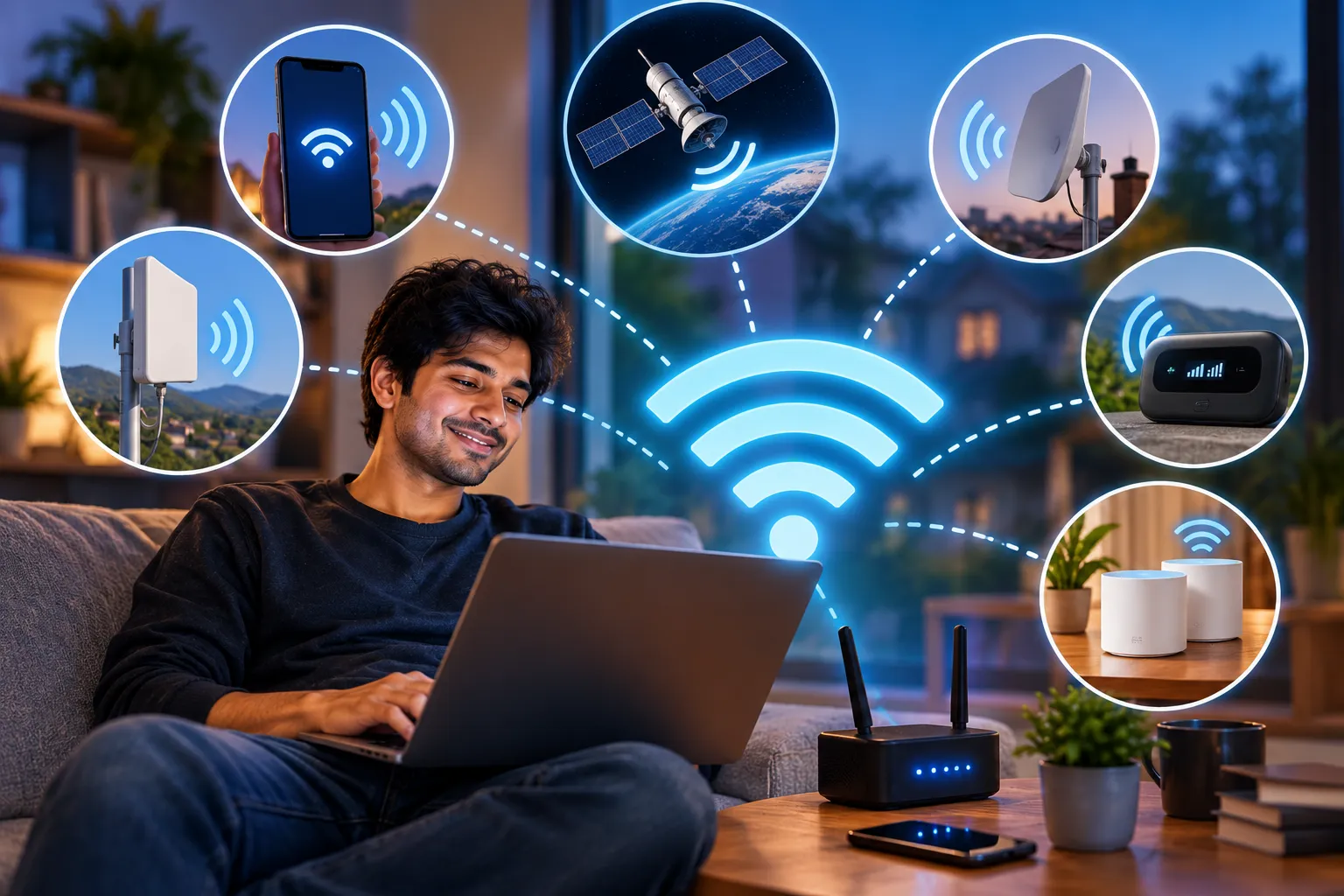
Home internet in the United States now averages around $75 per month, and gigabit fiber routinely crosses the $100 mark. For a household that mostly streams and scrolls, that's a meaningful line item — and for renters, students, people between apartments, or anyone in a market with exactly one cable company, it can feel less like a service and more like a toll.
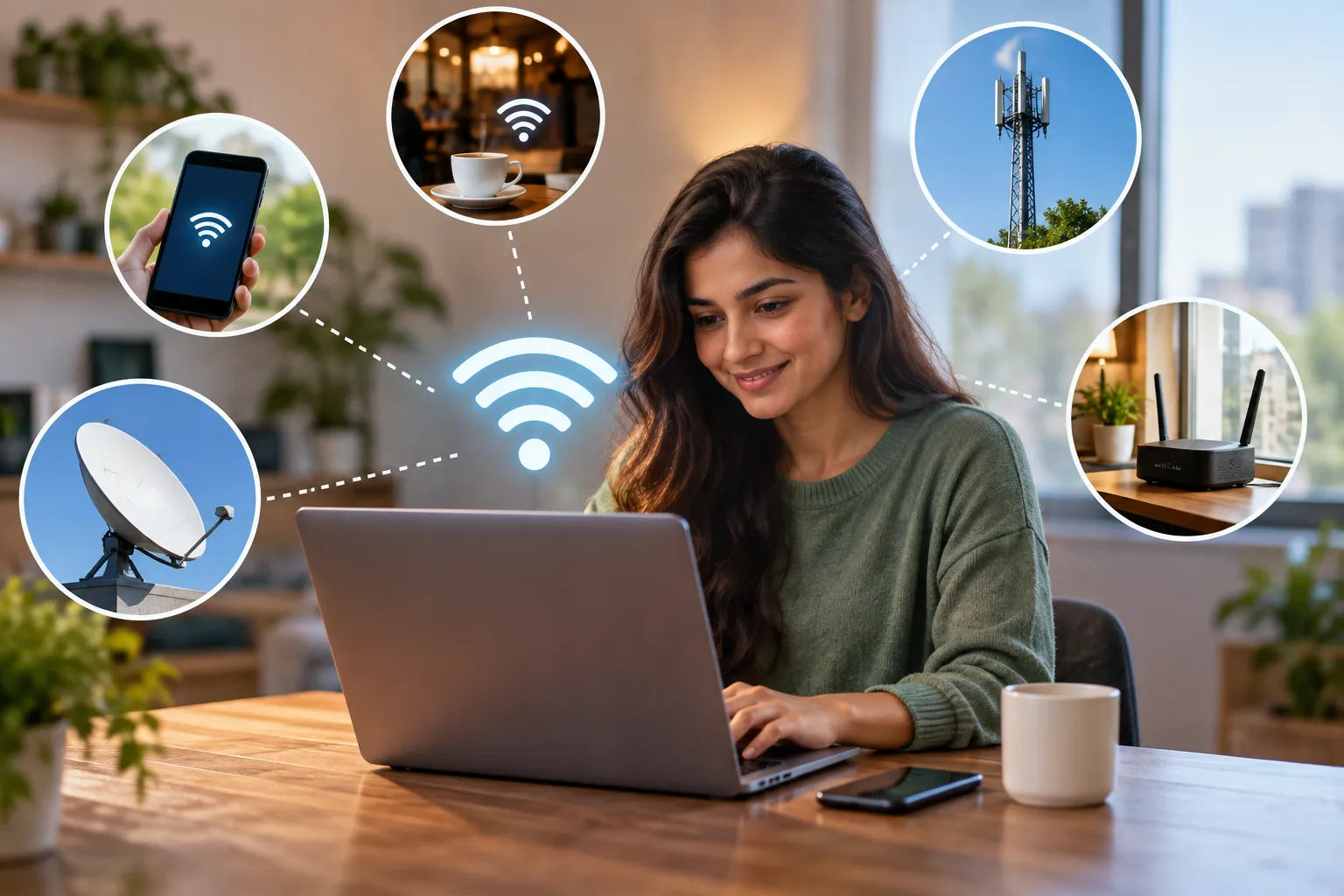
The good news is that "internet service provider" and "internet access" stopped being synonyms a while ago. In 2026 there are genuinely viable ways to get connected without signing a traditional broadband contract, and a few of them are fast enough to be your only connection.
Here's what actually works, what it costs, and where each option falls apart.
1. First, Clear Up the Wi-Fi Confusion
This trips up more people than it should, so it's worth thirty seconds.
Wi-Fi is not the internet. Wi-Fi is a short-range wireless protocol — the way devices in your home talk to a router. The internet is the global network that router connects to. You can have Wi-Fi with no internet at all (a router with nothing plugged into it still broadcasts a network, and you can move files between devices on it). You can also have internet with no Wi-Fi (a laptop on an Ethernet cable).
So the real question isn't "how do I get Wi-Fi without an ISP." It's "how do I get an internet connection without a wired broadband contract, and then share it wirelessly." Every option below answers that second question.
2. Tether Your Phone (Start Here — It's Free)
If you need occasional access rather than a permanent home connection, your phone is already the answer. Most US postpaid plans include some amount of hotspot data, and you're paying for it whether you use it or not.
On Android: Settings → Network & Internet → Hotspot & Tethering → Wi-Fi Hotspot. On iPhone: Settings → Personal Hotspot.
Change the default network name and set a strong password on both. Default hotspot names broadcast your device model to everyone nearby, which is a small but free piece of information you don't need to give away.
Three limits to understand before you rely on this:
- Hotspot data is usually capped separately from your phone data. Many "unlimited" plans include something like 10–50GB of full-speed hotspot use, then throttle you to speeds that make video streaming unusable. Check your specific plan's fine print, not the marketing page.
- Laptops eat data far faster than phones. Background sync, OS updates, cloud backups and auto-playing video will burn through an allowance in days. Turn off automatic updates and set your connection as metered before you tether.
- Battery drain is severe. Sustained hotspot use with the screen off still runs the modem hard. Keep the phone plugged in.
For a few hours a week, tethering costs nothing extra. For daily work-from-home use, it's the wrong tool.
3. 5G Home Internet (The Biggest Change Since 2023)
This is the option that genuinely replaced the "no ISP" problem for millions of American households, and it barely existed in a usable form a few years ago.
Fixed wireless home internet from T-Mobile, Verizon and AT&T sends your home connection over the same 5G towers your phone uses. You get a gateway box in the mail, plug it into power, put it near a window, and you're online in about fifteen minutes. No technician, no coax, no installation window.
Pricing sits roughly in the $50–$80 per month range standalone, dropping to around $35–$60 when bundled with a qualifying mobile line from the same carrier. T-Mobile and Verizon both offer multi-year price locks and include the equipment, which is a sharp contrast to the promotional-rate-then-hike model most cable providers run.
Real-world performance is respectable. Independent speed testing in recent quarters put median downloads at roughly 209 Mbps for T-Mobile Home Internet, 138 Mbps for Verizon 5G Home, and 105 Mbps for AT&T Internet Air — comfortably in mid-tier cable territory.
Where it struggles:
- Coverage is address-specific, not city-specific. Your neighbor can qualify while you don't. Every carrier has an availability checker; use it before you get attached to the idea.
- Traffic can be deprioritized. Home internet data may sit behind phone traffic during congestion, so peak-hour evening speeds in dense areas can drop noticeably.
- Upload speeds and latency lag fiber. If you're a competitive gamer or you live on video calls with screen sharing, test it during your working hours within the return window.
Technically this is still a provider — but it isn't a broadband provider, there's no contract, and for the substantial share of Americans stuck in single-option markets, it's often the first real competition they've had.
4. A Dedicated Mobile Hotspot Device
A standalone hotspot is a small battery-powered box with its own SIM and its own data plan. It exists to do one job, which is why it does it better than your phone: stronger antennas, better heat management, more simultaneous connections, and no battery anxiety on the device you need for everything else.
Ignore the specific model recommendations you'll find in older guides — the units everyone recommended a few years ago are discontinued. What matters is the spec sheet:
- Bands over branding. Make sure it supports the 5G and LTE bands your chosen carrier actually uses in your area. A cheap unlocked hotspot that misses the right mid-band 5G frequencies will underperform your phone.
- Wi-Fi 6 or better on the local side, so the hotspot isn't the bottleneck when several devices connect.
- Battery capacity and pass-through charging, if you'll use it in the field.
- Unlocked, if you want flexibility. Carrier-locked units are cheaper upfront and useless if you switch networks.
Pair it with a prepaid data-only plan. Several MVNOs sell tablet and hotspot data far below flagship postpaid pricing, and because it's prepaid, you can stop paying the month you don't need it.
This is the right choice for people who work from cafes, live in an RV, run a job site, or need a backup connection that doesn't depend on their phone.
5. eSIM Data Plans (Especially for Travel)
If your device has an eSIM — and nearly everything sold in the last few years does — you can buy a data plan as software. No shop, no physical SIM, no contract. You scan a QR code and you're on a local network.
For international travel this has quietly become the default. Providers like Airalo, Nomad, Ubigi, Saily and Holafly sell country, regional and global bundles, with entry plans commonly starting a few dollars per GB. It's routinely far cheaper than carrier roaming, and setup takes minutes.
Two things to check before buying, because they're where people get burned:
- Hotspot policy. Not all eSIM plans let you share the connection, and some that do impose a hard daily cap on tethered data even on "unlimited" plans. If your plan is to run a laptop off it, confirm tethering is allowed and how much.
- Install before you fly. The eSIM profile has to download over an existing internet connection. Install it at home, but don't activate it until you land, or you'll start burning validity days early.
For domestic use, eSIM data plans are less compelling than a prepaid hotspot plan — but as a travel connectivity layer, they've largely replaced both roaming and airport SIM kiosks.
6. Public Wi-Fi (Free, With Real Caveats)
Libraries, coffee shops, transit hubs, university campuses, municipal networks and many chain retailers offer free Wi-Fi. Plenty of cable companies also run enormous hotspot networks that their subscribers — and sometimes anyone with a day pass — can use across a metro area.
Public Wi-Fi is genuinely useful and genuinely fine for most browsing. The security picture has improved a lot: nearly all significant web traffic is encrypted in transit now, so the classic "guy in the corner reading your passwords" scenario is far harder to pull off than it was when most public-Wi-Fi warnings were written.
That said, three risks remain worth managing:
- Evil twin networks. Anyone can broadcast a network called "Airport_Free_WiFi." Prefer networks whose exact name you've confirmed with staff, and be suspicious of open networks that demand personal details on a login page.
- DNS and captive portal manipulation. Some networks log or redirect your lookups. Setting an encrypted DNS resolver on your device blunts most of this.
- Automatic reconnection. Your device remembers open networks and will silently rejoin anything with a matching name. Turn off auto-join for public networks and forget them when you leave.
Use a reputable VPN if you're handling anything sensitive, keep your OS patched, and don't do your banking on a network you can't identify. That's the whole security checklist.
7. Share a Connection You Already Have Access To
If someone nearby has a connection and you don't, both major desktop operating systems can rebroadcast it.
Windows: Settings → Network & Internet → Mobile hotspot. Pick the connection to share and toggle it on. macOS: System Settings → General → Sharing → Internet Sharing. Choose the source connection, then the method to share it over.
This is useful in a hotel room with one wired port, at a conference with a single credentialed connection, or when a housemate has service and you're splitting the cost. A cheap travel router does the same job more reliably and without leaving a laptop open — worth the $40 if you do it often.
Splitting a neighbor's connection is a legitimate arrangement when it's actually an arrangement. Quietly using someone's network without permission is not, and most ISP terms of service prohibit resale or sharing outside the household anyway.
8. Satellite, for When There's Nothing Else
If you're genuinely rural — no cable, no fiber, weak cellular — low-earth-orbit satellite is now a real option rather than the high-latency compromise it used to be. It's the most expensive item on this list once you count hardware, and it's overkill anywhere with usable 5G coverage. But for cabins, remote property and off-grid work, it's often the only thing that functions.
There are also roaming and portable service tiers aimed at RVs and travel, priced per month and pausable, which suits seasonal use better than an annual commitment.
9. Don't Overlook Low-Cost Programs
The federal Affordable Connectivity Program ended in mid-2024, and a lot of outdated advice still points people toward it. What remains:
- Lifeline, the older federal program, still provides a monthly discount on phone or internet service for qualifying low-income households.
- Provider low-income tiers. Most major ISPs run their own discounted plans for households on SNAP, Medicaid, or similar programs, typically offering basic broadband at a heavily reduced rate.
- Library hotspot lending. A large and growing number of public library systems lend mobile hotspots the same way they lend books, for free, on a multi-week checkout. This is the single most underused option in the entire list.
10. Which Option Actually Fits You
You need a full-time home connection and want out of your cable contract. Check 5G home internet availability at your exact address first. If it qualifies, it's the strongest replacement — no contract, equipment included, and price locks that cable rarely matches.
You work from home on video calls all day. Fixed wireless can handle it, but test upload speed and latency during your actual working hours inside the return period. If it wobbles, fiber is worth the money.
You need occasional laptop access a few hours a week. Tether your phone. Don't buy anything.
You're mobile — cafes, travel, job sites, an RV. A dedicated hotspot on a prepaid data plan. Better antennas, and it doesn't strand you with a dead phone.
You're going abroad. An eSIM data plan, installed before departure, with tethering confirmed if you're bringing a laptop.
You're on a tight budget right now. Library hotspot lending, then Lifeline or a provider low-income tier. These are real programs and they're underclaimed.
You're rural with no coverage. Satellite, and check whether a pausable roaming tier fits your usage better than a full residential plan.
Frequently Asked Questions
Can you have Wi-Fi without internet? Yes. A router creates a local Wi-Fi network whether or not it has an internet connection behind it. You can transfer files, print, cast to a TV and use local network devices on it. You just can't reach anything outside your home.
Is 5G home internet good enough to replace cable? For most households, yes. Independent testing puts median T-Mobile Home Internet downloads above 200 Mbps, which handles multiple 4K streams and normal working use. The gaps are upload speed, latency, and peak-hour deprioritization in congested areas.
How much data does working from home actually use? Video calls run roughly 0.5–2GB per hour depending on quality and participant count. A full workday of meetings can easily exceed 10GB. Any plan with a hotspot cap under about 50GB will not survive a full-time remote job.
Is public Wi-Fi safe in 2026? Safer than its reputation, because almost all web traffic is encrypted in transit now. The remaining risks are fake networks impersonating legitimate ones and DNS manipulation. Verify network names, disable auto-join, and use a VPN for anything sensitive.
Is it legal to use a neighbor's Wi-Fi? With their permission, yes. Without it, no — unauthorized access to a computer network is illegal in most US jurisdictions, and even with permission, most ISP terms prohibit sharing service outside the household.
What's the cheapest way to get online with no ISP at all? Borrowing a hotspot from your public library, which costs nothing. After that, tethering an existing phone plan you're already paying for.
Sources: BroadbandNow 2026 home internet cost research and 5G provider plan data; Ookla Speedtest Intelligence median fixed-wireless speed measurements; carrier plan pages for T-Mobile Home Internet, Verizon 5G Home and AT&T Internet Air (2026); FCC Lifeline program documentation; TechRadar and independent 2026 travel eSIM testing.




Comments