
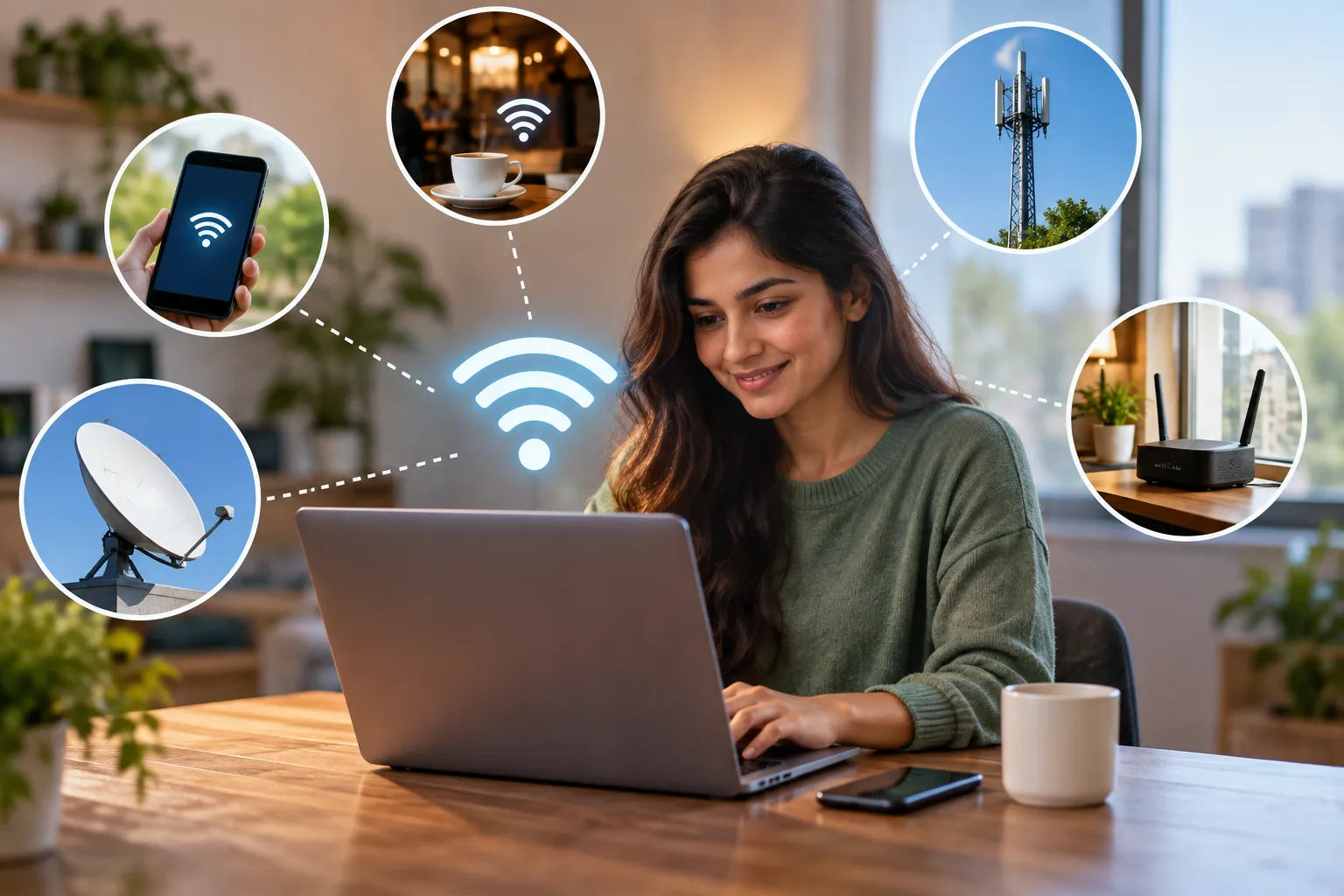
A home broadband plan is one of the more expensive monthly bills many households carry, averaging around $60 a month in the United States. If you don't want to pay for a traditional connection, or you simply need to get online while away from home, there are several ways to access Wi-Fi without signing up with an internet service provider (ISP). They range from free public networks to options that use cellular data.
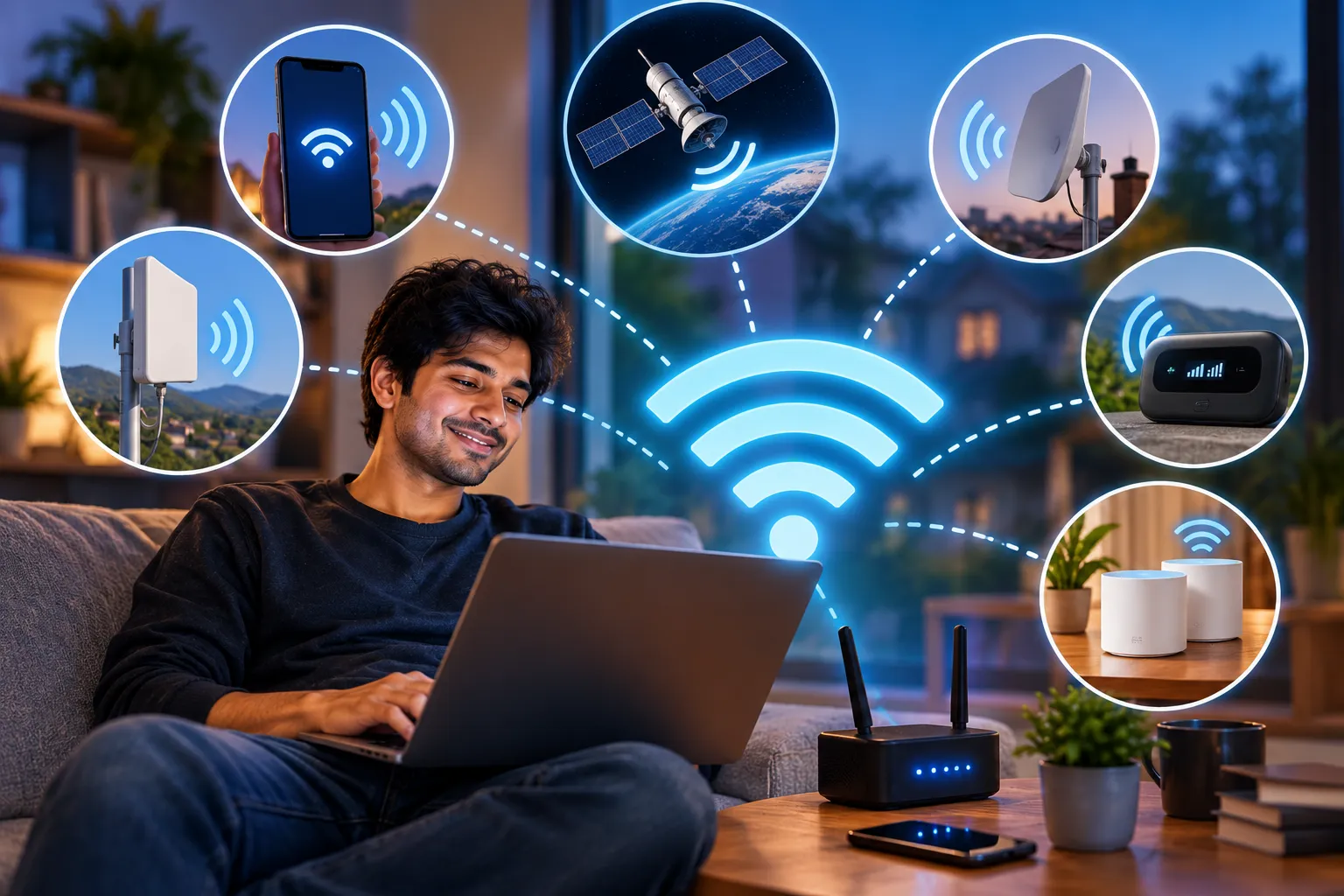
One thing to keep in mind first: a Wi-Fi router on its own can't get you online. A router only spreads an existing connection around, so you still need an internet source such as cellular data, a public network, or someone else's connection. The five methods below each supply that source in a different way.
1. Use a Dedicated Mobile Hotspot
If you want reliable internet on a laptop, a portable hotspot is the most dependable choice. Most people already have phones on LTE or 5G networks, and a hotspot uses those same cellular networks to create a personal Wi-Fi network, so you don't need a home broadband line at all.
This does cost money up front. You have to buy the hotspot hardware and pay for a mobile data plan. Plenty of manufacturers and carriers sell these devices, and three strong options are listed below. Prices and availability are from the original review and may have changed since.
Verizon Jetpack MiFi 8800L
This model has been around for a while, but it is still one of the best 4G hotspots you can buy. It is built on Qualcomm's X20 modem, supports 11 LTE bands, and broadcasts on both the 2.4GHz and 5GHz Wi-Fi bands. It also offers guest access and can handle up to 15 connected devices at once.
Verizon no longer sells it directly, but it has been available on Amazon for about $149. Verizon customers who want 5G speeds can look at the Orbic Speed 5G UW.
HTC 5G Hub
For Sprint or T-Mobile customers who already own a 5G phone, the HTC 5G Hub is a top 5G hotspot. It runs Android on a Qualcomm Snapdragon 855 processor with a Snapdragon X50 5G modem and 4GB of RAM. It supports Bluetooth and Ethernet, its battery lasts all day, and it can serve up to 20 devices at the same time.
The downside is that 5G coverage is still patchy. If you often travel to remote areas, this device may not be worth its roughly $600 price.
GlocalMe Numen Air Portable Wi-Fi
Travelers who need internet outside the U.S. need both a hotspot and a data plan that work across borders. The GlocalMe Numen Air connects to 4G LTE and 5G signals on more than 100 networks in over 50 countries. Its built-in cloud SIM lets you get online without a physical SIM card across the Americas, Europe, the Middle East, Asia, Africa, and Oceania.
It supports up to 16 devices at once, and its 5400 mAh battery lasts up to 16 hours of continuous use. It can also reverse-charge, so it works as a power bank for your other gadgets.
Plans start at $79 per 30 days, so it doesn't make sense for everyday use at home. For trips abroad, though, it is still cheaper than paying for international roaming data on your phone.
2. Tether Your Phone or Tablet
If you only need internet on your laptop now and then, turning your phone into a hotspot is usually the quickest option. It is simple to set up, but it has three notable limitations:
- Signal dependence: Your connection is only as good as your carrier's coverage. Cities are usually fine, while rural areas can be unreliable.
- Plan restrictions: Some carriers don't allow tethering at all, or only include it on more expensive plans.
- Data usage: Laptops use far more data than phones, which can lead to an unexpectedly large bill.
To turn it on:
- Android: Go to Settings > Network and Internet > Hotspot and Tethering > Wi-Fi Hotspot and switch Wi-Fi Hotspot on.
- iPhone and iPad: Go to Settings > Personal Hotspot and turn the toggle on.
On either platform, set your own network name and a strong password. An open hotspot lets strangers join and use up your mobile data.
3. Connect to Public Wi-Fi
Depending on where you are, you may be able to join a free public network. Libraries, cafés, restaurants, and transit stations such as airports and train stations often provide one.
Apps can help you find nearby hotspots. Two free options are Wi-Fi Master for Android and Wi-Fi Connect for iOS.
Public networks come with real security risks, so take a few precautions before you connect:
- Check the exact network name with staff or signage. Attackers sometimes set up fake networks with names that look like the venue's.
- Use a VPN, which encrypts your traffic so other people on the network can't read it.
- Don't do online banking, shopping, or anything else sensitive. Your phone's cellular connection is a safer choice for those tasks.
- Turn off file sharing and automatic network joining while you're out.
4. Try a Wi-Fi USB Dongle
A USB internet dongle, also called an internet stick, is a cheaper, simpler alternative to a dedicated hotspot. You don't need a long-term hotspot contract. You just insert an ordinary SIM card and use its data.
Dongles are smaller and lighter than hotspot devices, which makes them handy for travel. The trade-off is weaker signal, slower speeds, and shorter range than a full hotspot.
5. Share Someone Else's Connection
Sometimes another person in your group is already online, for example because they have the login details for a nearby private network and you don't. In that case, their Windows or Mac computer can share its connection with you.
- Windows: Open Settings > Network and Internet > Mobile Hotspot, pick the connection to share, and turn the toggle on.
- macOS: On older versions, go to Apple menu > System Preferences > Sharing > Internet Sharing. On newer versions, go to Apple menu > System Settings > General > Sharing and turn on Internet Sharing. Choose the connection you want to share, then choose how other devices should connect to it.
Choosing the Right Option
The best method depends on where you are and how you plan to use the connection. Public Wi-Fi is easy to find in cities but can be scarce in rural areas.
If you work on the go a lot, a dedicated mobile hotspot is worth buying so you can get online almost anywhere. If you only need internet occasionally, phone tethering or a USB dongle will usually be enough. With these options, you can stay connected at home or abroad without an ISP contract.




Comments