
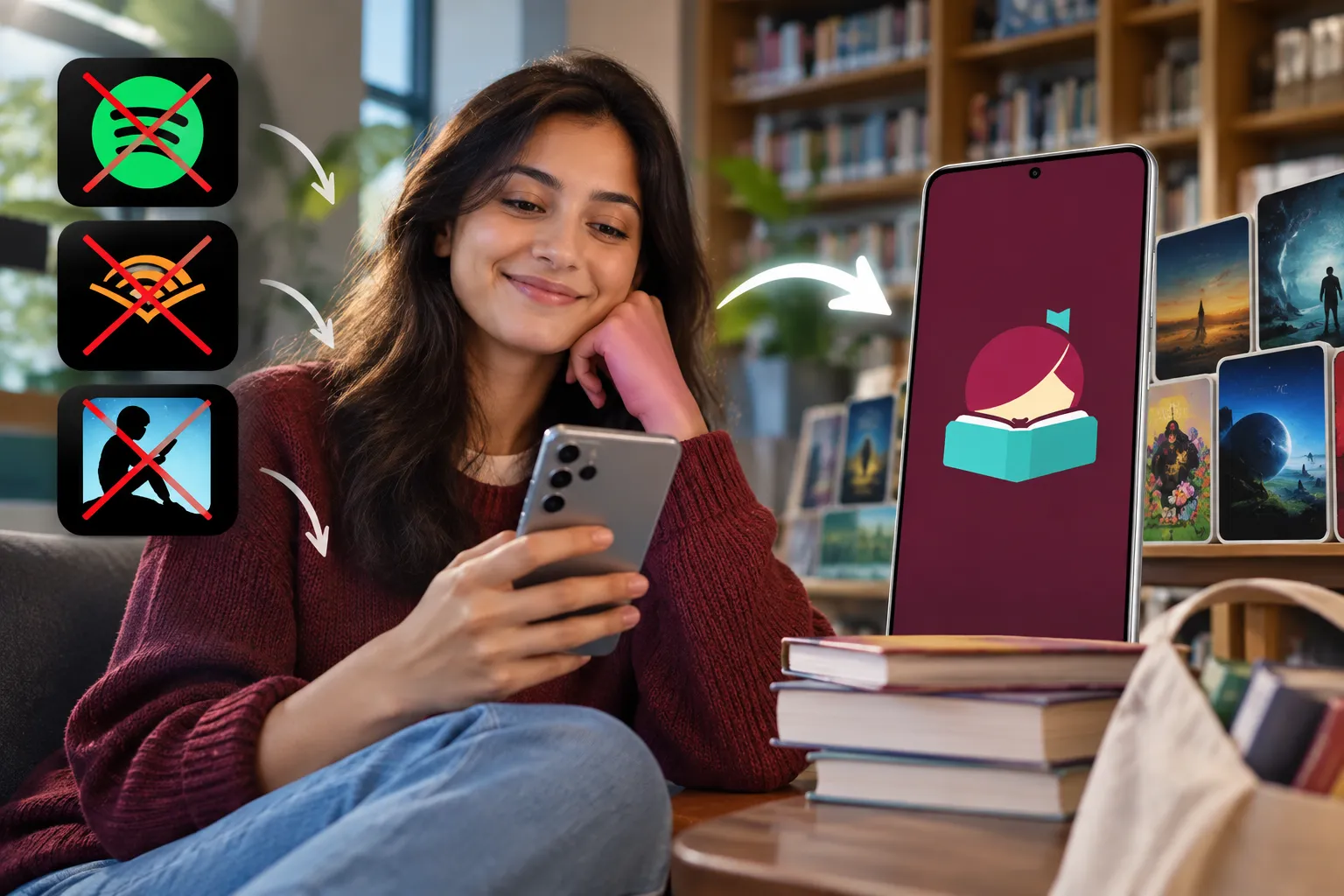
Two free apps, Libby and Hoopla, can replace most of what Audible and Kindle Unlimited charge you for every month — and they do it with a library card you are already funding through local taxes. Between them they cover ebooks, audiobooks, magazines, comics, films and music, with one important gap around music streaming. Here is exactly what each app replaces, where the trade-offs bite, and how to set the whole thing up in an evening.
Key takeaways
- Audible and Kindle Unlimited are the easiest cancellations. At US list prices of roughly $14.95 and $11.99 a month, dropping both frees up a little over $320 a year.
- Libby sends borrowed ebooks straight to a Kindle, so you keep the e-reader you already own.
- The cost of free is waiting. Libraries buy a limited number of digital licences per title, so popular new releases sit behind hold queues.
- Hoopla has no queues but a monthly cap on how many items you can borrow, and that cap varies a lot between library systems.
- Neither app replaces Spotify properly. There is no algorithmic radio, and each album borrowed eats into your Hoopla allowance.
- Magazines are the underrated win — Libby carries thousands of titles with no hold queue at all.
What you are actually spending
Subscription costs are designed not to feel like much individually. Stacked up at current US list prices, though, the picture changes:
| Service | Monthly | Yearly | Library replacement |
|---|---|---|---|
| Audible Premium Plus | $14.95 | ≈ $179 | Libby, plus Hoopla for overflow |
| Kindle Unlimited | $11.99 | ≈ $144 | Libby, including magazines |
| Spotify Family | $21.99 | ≈ $264 | Partial at best |
| All three | ≈ $49 | ≈ $588 | ≈ $320 recoverable comfortably |
The number that matters is not the headline total but how much of it you actually use. An audiobook subscription that produces one listen in a busy month is a convenience fee, not a service. Before cancelling anything, open each app and look at your borrowing history for the past six months — the decision usually makes itself.
Worth stating plainly: a library card is not free in the abstract. Local property taxes fund the building, the staff and the digital licences publishers sell to library systems at a steep markup. What is genuinely free is the marginal cost. You already paid, and borrowing your twentieth title of the month costs you nothing more, which is the opposite of how commercial subscriptions behave when prices creep upward regardless of usage.
Libby: the direct Audible and Kindle Unlimited replacement
Libby is built by OverDrive, the company that supplies digital lending infrastructure to most public library systems in the English-speaking world. You add your library card once and the whole catalogue opens up: ebooks, audiobooks, magazines and, at many systems, comics.
It works with the Kindle you already own
This is the detail that turns Libby from an interesting idea into a real swap. Borrow an ebook, tap Read With, and choose Kindle. The title is delivered to your Amazon account and syncs to your device exactly like a purchase, complete with your highlights and reading position. Nothing about your hardware routine changes — only the invoice disappears. (The feature is US-only; elsewhere you read in the Libby app itself or send titles to a compatible e-reader.)
Audiobooks play inside the app
Libby's own player handles audiobooks, with adjustable speed, a sleep timer and bookmarks. Library systems license the same commercial bestsellers Audible sells, so the catalogue overlap on mainstream titles is substantial. The difference is not quality; it is availability on release day.
Magazines are the sleeper feature
Libby carries thousands of digital magazine titles, and these have no circulation limits — no queue, no waiting, current issues and back issues available at once. If part of what you liked about Kindle Unlimited was the magazine rack, that part is fully covered.
The trade-off: hold queues
A library buys a fixed number of digital copies of each title, and lends them one at a time. A high-profile new release can mean a wait of several weeks — a month is not unusual for a genuine bestseller. Three ways to blunt this:
- Add every library card you legally qualify for. Libby supports multiple cards at once and searches across all of them. Many people qualify for a neighbouring county system, a state-wide library, or a university card through an alumni association.
- Place holds early and often. Treat the hold list as a reading queue rather than an obstacle. Libby lets you defer delivery so three holds do not land in the same week.
- Look for "skip the line" copies. Many systems buy extra short-loan licences of hot titles, available immediately on a shorter borrow period.
Hoopla: instant access, with a monthly allowance
Hoopla works on a different model. There are no holds at all — anything in the catalogue can be borrowed the moment you want it — but your library caps how many items you may take per month, because it pays a fee on each checkout.
That cap is the thing to check before you rely on it. Allowances vary widely between systems, and several have tightened them as digital circulation costs climb; some libraries have cut monthly limits into the low single digits, while others still offer twenty or more. Your library's Hoopla landing page states the current number.
Hoopla's catalogue also skews differently from Libby's. It is strong on films, television, comics and graphic novels, and useful as an overflow option when a title you want is stuck in a Libby queue. The two apps together cover far more than either alone, which is why most people end up using both rather than choosing.
Where this plan breaks: music
Be honest about this before you cancel anything. Hoopla does lend music albums, but every album counts against your monthly allowance, and the experience is nothing like a streaming service. There is no algorithmic radio, no personalised weekly mix, no endless autoplay, no shared playlists. It is a borrowing system with albums in it.
Realistic options if you still want to drop Spotify:
- The ad-supported free tier keeps the catalogue and the algorithm, and costs only your patience.
- YouTube Music's free tier or internet radio for passive listening.
- Borrow physical CDs from the library and rip them for a permanent, offline collection you own.
- Buy the twenty albums you actually replay outright; two years of a family plan buys a lot of music.
If none of those appeal, keep the music subscription and cancel the other two. Recovering $320 a year on books alone is a good outcome, and pretending you will enjoy a worse music experience is how people end up resubscribing to everything a month later.
How to make the switch in one evening
- Get or renew your library card. Most systems now issue digital cards online in minutes if you can prove local residency.
- Install Libby and add your card. Add any additional cards you qualify for.
- Check your Hoopla limit on your library's website, then install it and link the same card.
- Move your wishlist across. Search each title you were planning to buy; borrow what is available and place holds on the rest.
- Test the Kindle delivery with one book before you cancel anything, so you know the workflow works on your device.
- Cancel deliberately. Let the paid subscriptions run to the end of the current billing period rather than cancelling mid-month.
- Download before you travel. Both apps support offline downloads, but the borrow has to happen while you are connected.
One thing to keep in mind about Audible specifically: audiobooks bought outright with credits stay in your account after cancelling, but titles that came only through the Premium Plus catalogue disappear. Check your library before closing the account. For more on trimming recurring costs, see our apps coverage and productivity guides.
Who Libby and Hoopla work for — and who should stay subscribed
| You are… | Verdict |
|---|---|
| A patient reader with a broad to-read list | Cancel both book subscriptions. Holds are a non-issue when you always have something else queued. |
| Someone who must read new releases on launch week | Keep one paid service, or use the library for everything else and buy the handful of titles you cannot wait for. |
| A heavy indie-fiction or self-published reader | Kindle Unlimited's catalogue genuinely differs here; library collections lean mainstream. |
| A daily audiobook listener | Libby plus a second library card usually keeps up. Track your hold times for a month before deciding. |
| Living where library digital lending is thin | Test the catalogue first. Coverage varies enormously by system and by country. |
Frequently Asked Questions
Can Libby and Hoopla really replace Audible and Kindle Unlimited?
For mainstream bestsellers, non-fiction and magazines, yes — library systems license the same commercial titles. The two things you give up are instant access on release day and Kindle Unlimited's deep self-published catalogue.
Do borrowed library books work on a Kindle?
Ebooks borrowed through Libby can be sent to a Kindle in the US, where they sync like any other title and return themselves at the end of the loan. Hoopla does not support standard e-ink Kindles, though it has an app for Fire tablets.
How long are the waits for popular titles?
It depends on how many copies your system bought and how long the queue is. Libby shows an estimated wait before you place a hold; a major new release can run several weeks, while back catalogue is often available immediately.
Why does Hoopla limit how much I can borrow?
Your library pays a fee for every Hoopla checkout, so the cap is a budget control rather than a technical one. That is also why limits differ between systems and occasionally get reduced.
Is there a good free replacement for Spotify?
Not really. Hoopla lends albums but has no radio, no recommendations and no personalised playlists, and each album spends part of your monthly allowance. The ad-supported Spotify tier remains the closest free substitute.
Is borrowing through these apps legal?
Entirely. Libraries buy digital lending licences from publishers, and both apps enforce the loan terms automatically — titles expire and return themselves, with no late fees involved.
Final thoughts
Libby and Hoopla will not replace every subscription, and anyone promising otherwise has not tried to find a personalised playlist in a library catalogue. What they will do is take roughly $320 a year of book and audiobook spending down to nothing, using infrastructure your taxes already fund. Start with one card, borrow one title, send it to your Kindle, and decide from there — the only thing at risk is a monthly charge you had stopped noticing.

Comments