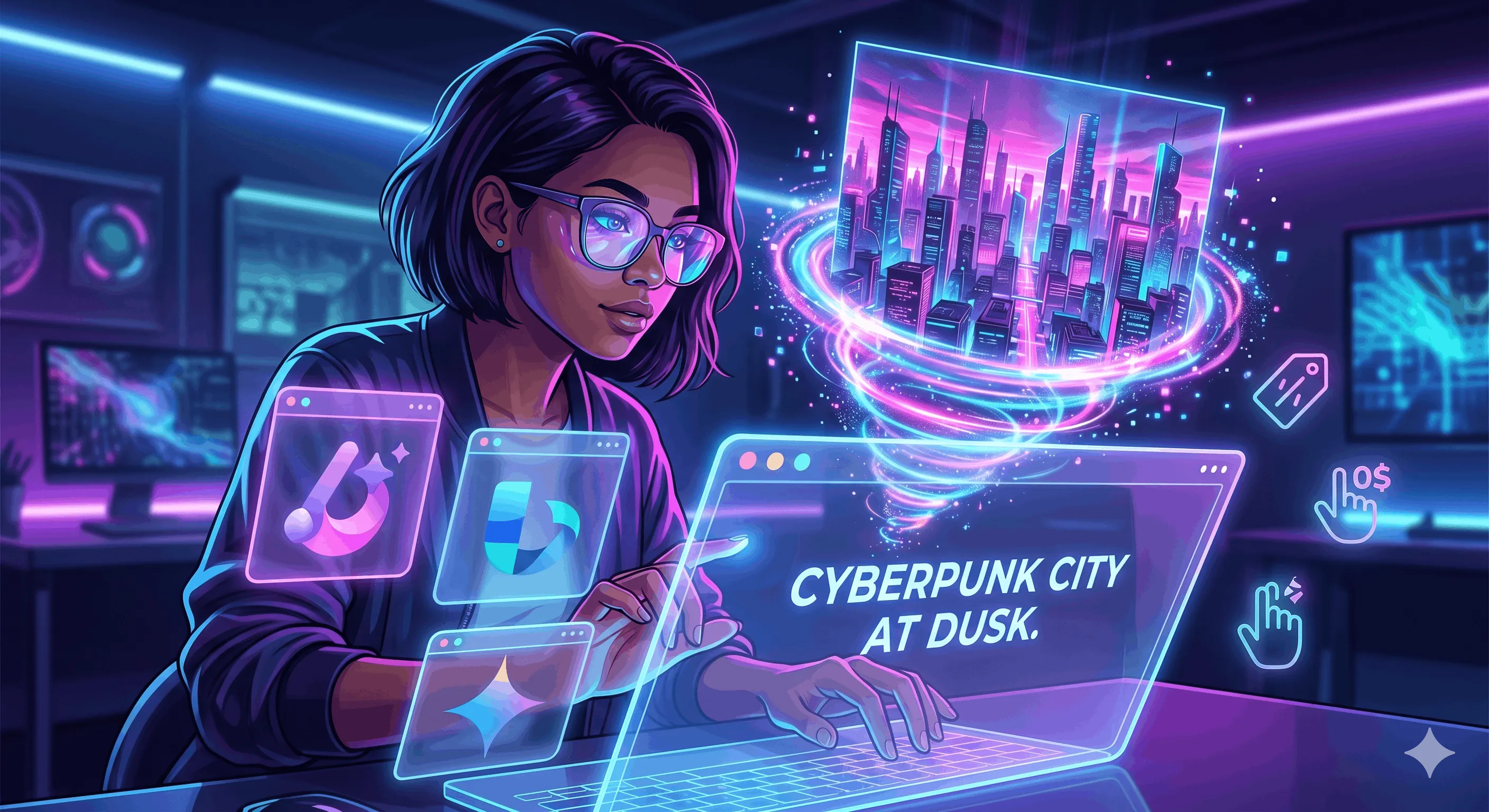
Remember when creating stunning digital art required a decade of mastering complex software and an expensive graphics tablet? Those days are officially behind us. We are fully immersed in the era of text-to-image magic, where your wildest imagination is the only limit—and the best part? You don't have to spend a dime to start creating.
Whether you're a marketer looking for the perfect SEO-optimized blog header, a writer visualizing fantasy worlds, or just someone who wants to see a cyberpunk golden retriever riding a skateboard, free AI image generators have become incredibly powerful in 2026.
If you are looking to dip your toes into the algorithmic paint bucket without hitting a paywall, here are the absolute best free tools on the market right now.
1. Microsoft Designer (Powered by DALL·E 3)
Best for: Zero-friction generation and everyday ease.
If you have a Microsoft account, you already have access to one of the most capable AI image tools on the internet. Built directly into the browser, Microsoft Designer uses OpenAI's powerhouse models to deliver incredibly accurate and vivid results.
- The Vibe: Exceptionally good at understanding complex prompts and delivering bright, punchy, and highly shareable images.
- The Free Deal: You get daily "boosts" (fast generations) that refresh every day. Even when you run out of boosts, you can still generate images—it just takes a few seconds longer.
2. Google Gemini
Best for: Photorealism, creative brainstorming, and seamless editing.
Google's generative AI assistant, Gemini, isn't just for text anymore. It comes equipped with cutting-edge image generation capabilities that represent a massive leap forward in text-to-image rendering.
- The Vibe: Unmatched when it comes to lighting, realistic subjects, and integrating naturally with text-based brainstorming. It's a powerhouse for creating highly detailed visuals.
- The Free Deal: Users can access image generation directly within the standard Gemini interface, allowing for plenty of daily experimentation to get your visuals exactly right.
3. Ideogram
Best for: Flawless typography and graphic design.
Historically, AI image generators have struggled to spell words correctly, often churning out terrifying, alien hieroglyphics instead of English text. Ideogram completely solved that problem.
- The Vibe: If you need a logo, a poster, a t-shirt design, or an image that features a specific quote, Ideogram is the undisputed king of rendering accurate text within an image.
- The Free Deal: Offers a daily allowance of credits that reset every 24 hours, giving you plenty of room to perfect your typographic designs.
4. Canva (Magic Media)
Best for: Content creators and social media managers.
Canva has integrated its own AI suite, dubbed "Magic Media," directly into its already massive design ecosystem. You don't have to generate an image in a separate window and drag it over; you generate it right on the canvas.
- The Vibe: Highly versatile and user-friendly. Its massive library of filters, styles, and direct integration into presentation decks makes it uniquely valuable for quick workflows.
- The Free Deal: Free Canva users get a set number of lifetime generations, making it perfect for occasional, high-impact projects.
💡 Pro-Tips for Getting the Best Free Results
Navigating these free platforms is easy, but getting exactly what you want requires a little bit of prompt engineering. Here is how to make the most of your time:
- Be Specific About Style: Don't just say "a cat." Say "A cinematic, 4k macro photograph of a fluffy cat," or "A 1990s anime style illustration of a cat."
- Control the Lighting: Lighting dictates the mood. Add phrases like golden hour, neon rim lighting, cinematic lighting, or volumetric fog.
- Mention a Medium: Tell the AI what kind of art it is making. Use keywords like oil painting, charcoal sketch, 3D render, or Polaroid photo.


Comments